Top Apps and Editing Tools for Stunning Macro Photography
Explore the best apps and editing tools for macro photography. Elevate your close-up shots with powerful tools designed to enhance detail and quality.
By Sneha MohithUpdated 3 min read
Enhance your iPhone macro photography experience with a comprehensive guide to the best apps and editing tools available. Discover how to refine your images, emphasizing the intricate details and textures that make your photographs truly stand out. From specialized editing apps to powerful post-processing techniques, empower yourself to transform your captures into stunning visual narratives.
- EXIF Viewer by Fluntro: Gain valuable insights into the technical aspects of your macro photography compositions using EXIF Viewer by Fluntro. Access detailed metadata embedded within your images, including camera settings and parameters like aperture, shutter speed, ISO, and focal length. This information can help you refine your photography techniques and optimize your approach to capturing the mesmerizing details of the miniature worlds around you, allowing for informed adjustments and improvements in your macro photography workflow.

- Photopills: Harness the power of Photopills, a comprehensive photography planning and tracking tool, to optimize your macro photography compositions. Utilize its advanced features, such as the depth of field calculator, hyperfocal tool, and augmented reality views, to plan and execute your macro shots with unparalleled precision and foresight. Seamlessly incorporate the app’s sun and moon trackers to optimize natural lighting conditions for your macro captures, ensuring that every detail and texture is illuminated to perfection, resulting in stunning visual narratives that exude professionalism and finesse.
App Download Link : https://apps.apple.com/in/app/photopills/id596026805

- Snapseed: Utilize Snapseed’s intuitive interface and powerful editing tools, including precise control over exposure, contrast, and sharpening, to refine the intricate details within your macro photographs, ensuring every element stands out with exceptional clarity and depth.
App Download Link: https://apps.apple.com/in/app/snapseed/id439438619

- VSCO: Explore VSCO’s diverse array of filters and editing presets designed to enhance the mood and ambiance of your macro images, allowing you to add a subtle touch of artistic flair while emphasizing the delicate textures and visual nuances that contribute to the overall appeal of your compositions.
AppStore Download link: https://apps.apple.com/us/app/vsco-photo-video-editor/id588013838

- Adobe Lightroom CC: Leverage the advanced editing features of Adobe Lightroom CC, such as selective adjustments and powerful detail enhancement tools, to meticulously refine the textures and intricate details within your macro photographs, achieving a perfect balance of clarity and artistic expression.
AppStore Download link: https://apps.apple.com/us/app/lightroom-video-photo-editor/id878783582

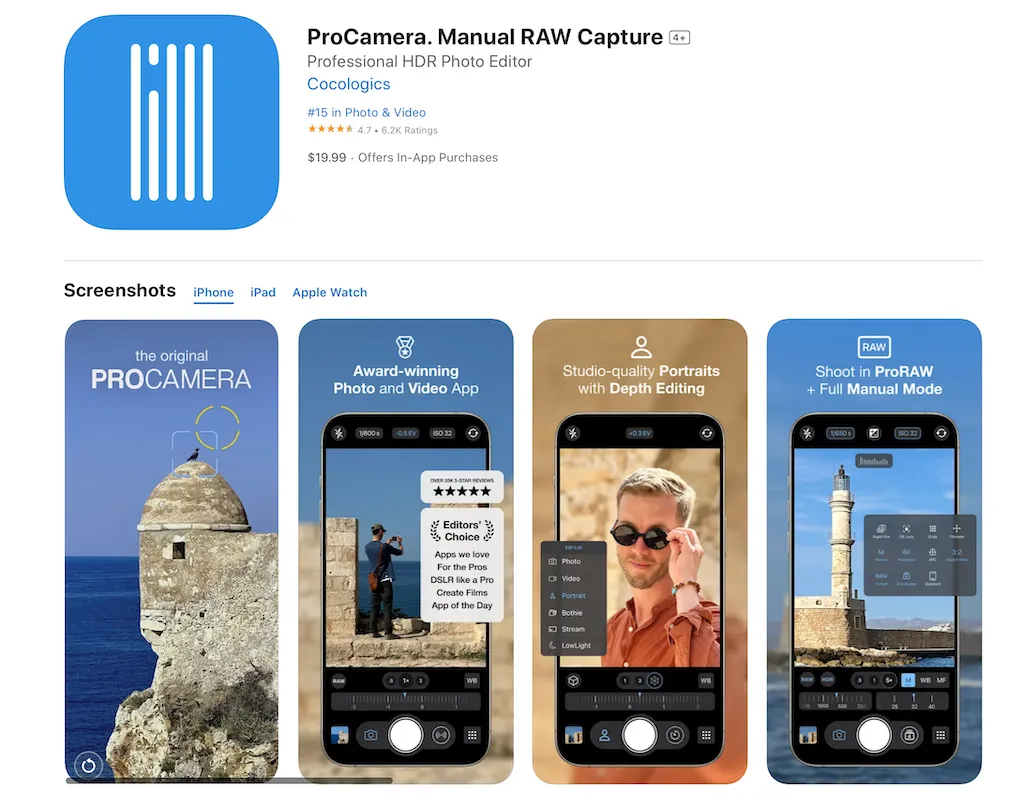
- ProCamera: Utilize ProCamera’s manual control settings, including focus peaking and exposure adjustments, to ensure precise and accurate capture of the intricate details within your macro shots, empowering you to achieve optimal image quality and clarity directly from your iPhone camera.
AppStore Download link: https://apps.apple.com/us/app/procamera-manual-raw-capture/id694647259
- Afterlight: Experiment with Afterlight’s extensive collection of textures, overlays, and customizable filters to add depth and dimension to your macro photographs, creating visually compelling narratives that highlight the intricate textures and captivating details of the miniature worlds you capture.

- TouchRetouch: Employ TouchRetouch’s powerful retouching tools to eliminate any distracting elements or imperfections within your macro photographs, ensuring that the focus remains solely on the intricate details and textures that define the enchanting allure of the miniature worlds you’ve captured.

- Mextures: Experiment with Mextures’ versatile texture overlays and blending modes to add depth and character to your macro photographs, creating a visual narrative that accentuates the intricate details and textures of the miniature worlds you’ve captured with your iPhone.

- Halide Camera: Leverage the advanced features of the Halide Camera app to unlock greater control over your iPhone’s camera settings, enabling you to capture intricate details and textures with unprecedented clarity and precision. Benefit from manual controls, including focus peaking, manual focus, and customizable exposure settings, allowing you to fine-tune your macro compositions and capture the enchanting details of the miniature worlds with exceptional depth and accuracy.
AppStore Download link: https://apps.apple.com/us/app/halide-mark-ii-pro-camera/id885697368

Checkout this Related Topics:
Related guides
Black Screen on iPhone Camera: Every Fix That Works
Updated October 20, 2025
How to Use ProRAW Effectively on iPhone and iOS 18
Updated January 1, 2025
iPhone Camera Features: Capture Stunning Photos Like a Pro
Updated December 27, 2024
Best Quick iPhone Camera Settings for Northern Lights
Updated December 15, 2024