
Free · No upload · No account
Photo Location Viewer
See exactly where a photo was taken. Drop a photo and its GPS location is read from the file — shown as coordinates and on a map. Everything runs in your browser, and your photo is never uploaded. [ + ]
Drop a photo to see where it was taken
JPEG · HEIC · PNG · TIFF · RAW · nothing is uploaded
Photos are read locally on your device — this page makes no network request with your file.
For iPhone, iPad & Mac · Featured by Apple
The full EXIF toolkit lives on your iPhone
This page shows what’s inside a photo. EXIF Viewer by Fluntro goes further — view, edit, and remove metadata (including GPS geotags) right in your photo library, bulk-edit dates and locations, and share any photo with or without its EXIF. Buy once, use on iPhone, iPad and Mac. No subscription. Your photos never leave your device there either.
4.7· 1.9K ratingsFeatured by Apple
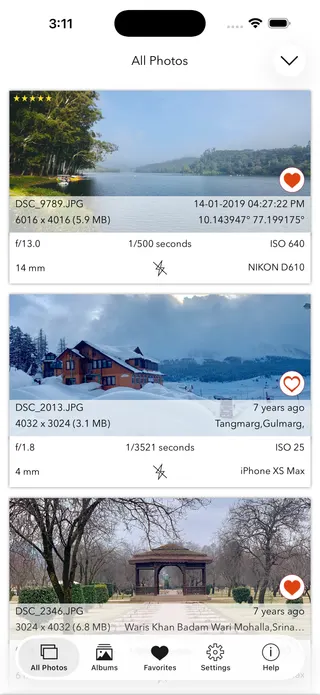
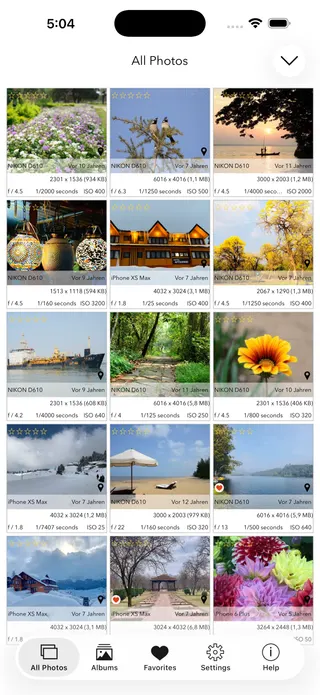
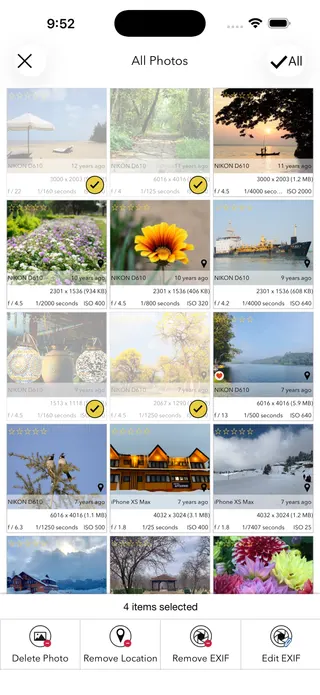
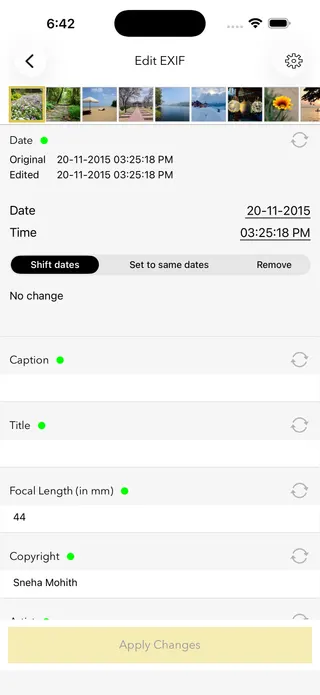
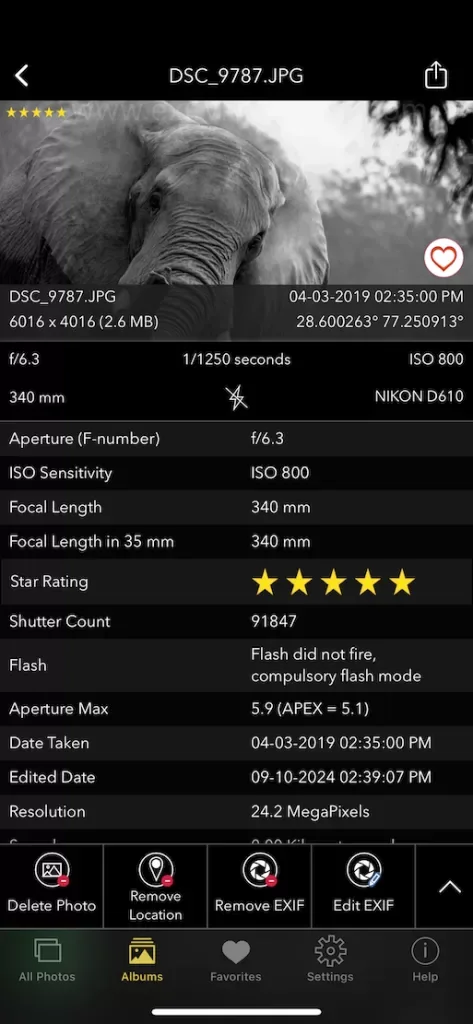
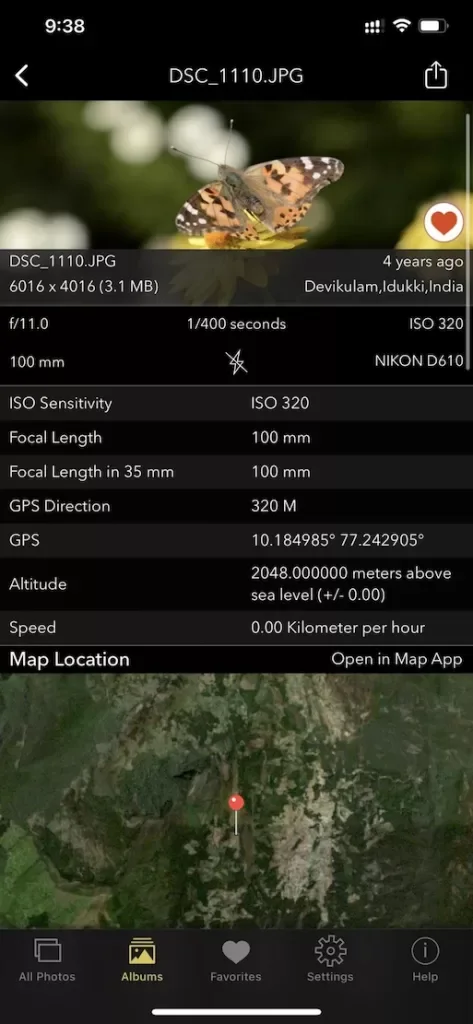
Photo Location Viewer — frequently asked questions
Short answers; the app’s guides go deeper.
How do I find where a photo was taken?
If the photo still has its GPS metadata, drop it onto this page and the location is read from the file, shown as coordinates and on a map. It works with original photos from iPhones, Android phones, and GPS-enabled cameras. Everything happens in your browser and the photo is never uploaded.
Why does my photo have no location?
Three common reasons: location was switched off in the camera; the photo was downloaded from a social network (Instagram, Facebook and most platforms strip GPS on upload); or the metadata was removed during editing or exporting. Use the original file from the camera roll to see the location.
Is my photo uploaded to a server?
No. The photo is read entirely in your browser, on your own device, and is never sent anywhere. If you choose to open the interactive map, only the coordinates, never your photo, are sent to OpenStreetMap to load the map tiles.
Does this work with iPhone (HEIC) and Android photos?
Yes. iPhone HEIC and JPEG photos and Android photos all store GPS coordinates in their metadata when location is enabled, and this tool reads them. Your browser may not preview a HEIC file, but the location is still extracted.
Can this find the location of a screenshot or an AI image?
No. This tool reads the real GPS coordinates saved by the camera. Screenshots, downloaded images, and AI-generated pictures do not contain that data, so there is no location to show. It does not guess a location from what the picture looks like.
How accurate is the photo's GPS location?
Phone GPS is usually accurate to about 3 to 10 metres outdoors, dropping to 20 to 50 metres indoors or between tall buildings. If the device could not get a fresh signal, it may record its last known position, which can be off. Treat it as a close indication rather than a pinpoint.
What are decimal and DMS coordinates?
They are two ways of writing the same location. Decimal degrees look like 37.7749, -122.4194 and paste straight into Google Maps. DMS means degrees, minutes, seconds. This tool shows both formats, each with a one-tap copy button.
Should I remove the location before sharing a photo?
If a photo was taken at your home, a child's school, or another private place, yes, because anyone you send the original file to can read the coordinates. On iPhone and iPad, the EXIF Viewer by Fluntro app removes the location and other metadata from one photo or hundreds at once before you share.
Does removing the location change the photo?
No. GPS coordinates are stored as metadata alongside the image, not in the picture itself, so removing them does not recompress or change how the photo looks. Only the hidden location data is deleted.
Is this photo location viewer free?
Yes, viewing a photo's location here is completely free, with no account and no upload. For removing or editing location data on iPhone and iPad, the EXIF Viewer by Fluntro app is a one-time purchase.
Private by design
This tool was built so your photos never have to leave your device. Here’s exactly what that means for your data.
Nothing is uploaded
Your photo is opened and read entirely inside your own browser. It is never sent to a server, stored, or shared — once this page has loaded, it even works with your connection switched off.
No account, no tracking
There is no sign-up and no advertising cookies. The only thing saved on your device is your light or dark theme preference. Page views are counted without cookies or identifiers.
Your location stays yours
If a photo contains GPS coordinates, they are shown only to you, on your screen. We never see them, and any map link opens only if you choose to click it.
Nothing to collect
Because no personal data leaves your device, there is nothing for us to collect, log, or process. The full details are in our Privacy Policy.
Metadata is read from your file exactly as it was saved and is shown “as is.” It can be missing, altered, or inaccurate — for example, timestamps depend on the camera's clock and GPS can be approximate — so please don't rely on it as proof for legal, forensic, insurance, or safety decisions. This tool is provided free and without warranty; see our See our Terms & Disclaimer and Privacy Policy.
More free photo tools
All 20 run in your browser — nothing is ever uploaded.
Inspect & verify
- EXIF Metadata ViewerSee every tag hidden in a photo
- Photo Privacy CheckerWhat does your photo reveal about you?
- Is This Photo Edited?Editing traces & AI markers
- What Camera Took This Photo?Identify the camera, phone & lens
- When Was This Photo Taken?Find the exact date & time
- Photo Location ViewerSee where a photo was taken · you are here
- Camera Shutter CountCheck a camera’s shutter actuations