How to edit EXIF data on iPhone: date, time, location and more
Scanned a box of prints and they all say 2024? Camera clock was on the wrong time zone for a whole trip? Photos from a DSLR with no GPS? All of these are metadata problems, and all of them are fixable in bulk, written straight into the photos in your library.
4.7· 1.9K ratingsFeatured by Apple
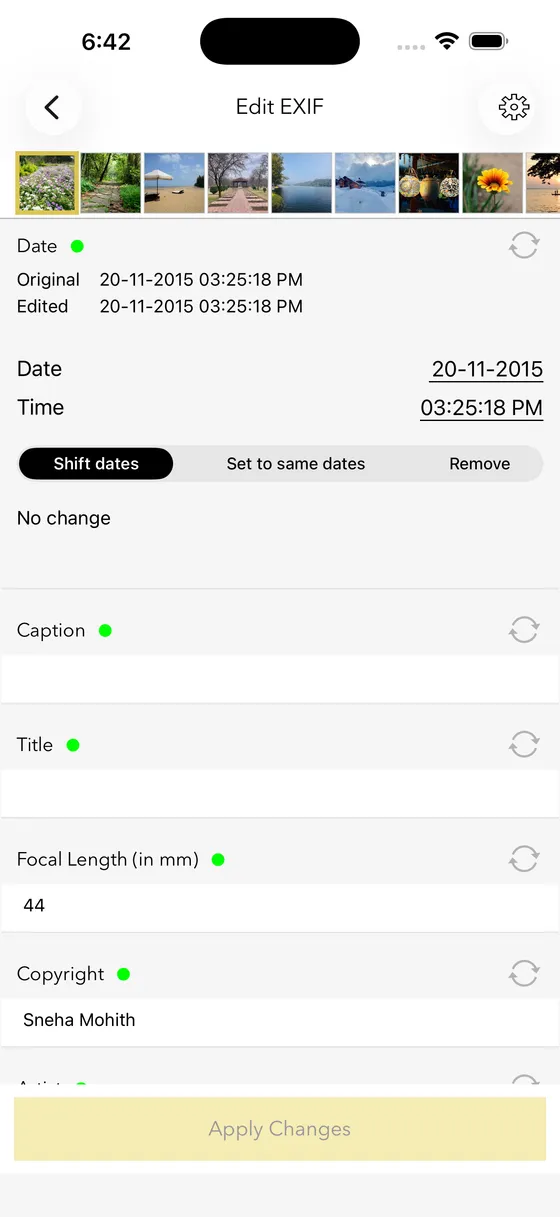
The two-tap way, with EXIF Viewer
- 1
Select the photos to change
One, or a whole trip. Multi-select supports hundreds of photos at a time.
- 2
Set or shift the date and time
Set every photo to the same date, or shift them all by an offset (e.g. +5 hours 30 minutes) to fix a wrong time zone while keeping the intervals between shots.
- 3
Set the location
Search for a place or drop a pin on the map. Or remove the location entirely.
- 4
Apply
Changes are written to the actual photo files, so Photos, Lightroom, Google Photos and every other app see the corrected metadata.
Step-by-step guides
13 articles in this topic.
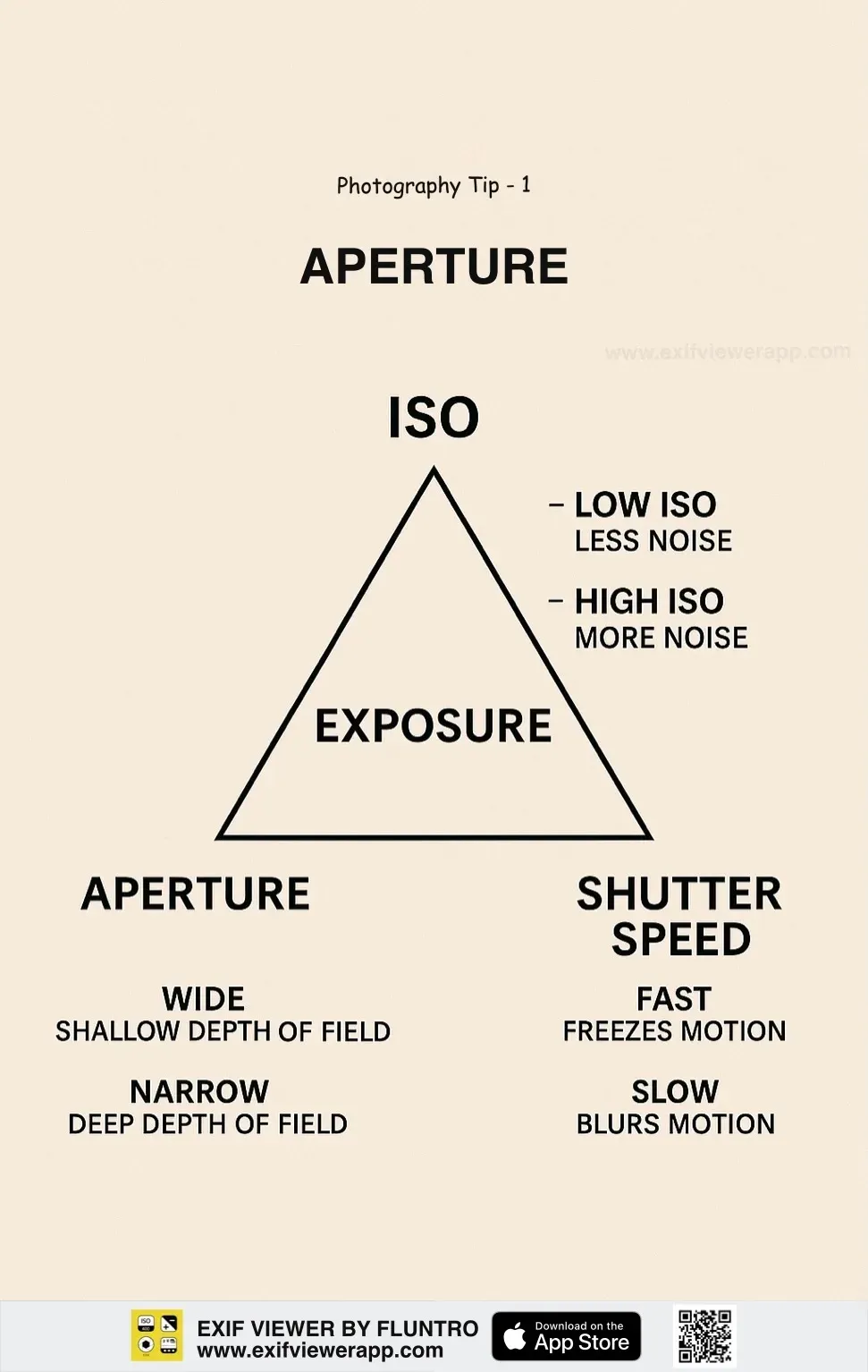
Camera Settings Cheat Sheet for Stunning Photos [2025]
Discover over 50 essential photography tips with beautifully designed infographic images. Perfect for beginners and pros alike—save and share your favorites!
Updated July 31, 2025
How to Convert HEIC to JPG on iPhone, iPad and Mac
Learn how to easily convert HEIC to JPG on iPhone, iPad, and Mac using built-in tools, settings, and apps. Follow these simple steps for seamless image conversion!
Updated July 5, 2025
How to Add a Timestamp to iPhone Photos
Want to add a timestamp to iPhone photos? Learn how to view, add, or edit timestamps on iPhone pictures using built-in tools and apps for better organization.
Updated May 22, 2025
iPhone Photos to PDF – How to Convert them for FREE?
Learn how to convert iPhone photos to PDF for free using built-in apps like Files, Notes, or Books. Quick, easy, and no extra apps required
Updated November 20, 2024
How to Rotate Photos on iPhone or iPad?
Learn how to easily rotate photos on iPhone or iPad with this step-by-step guide. Fix sideways images, adjust angles, and improve your photo orientation quickly!
Updated November 20, 2024
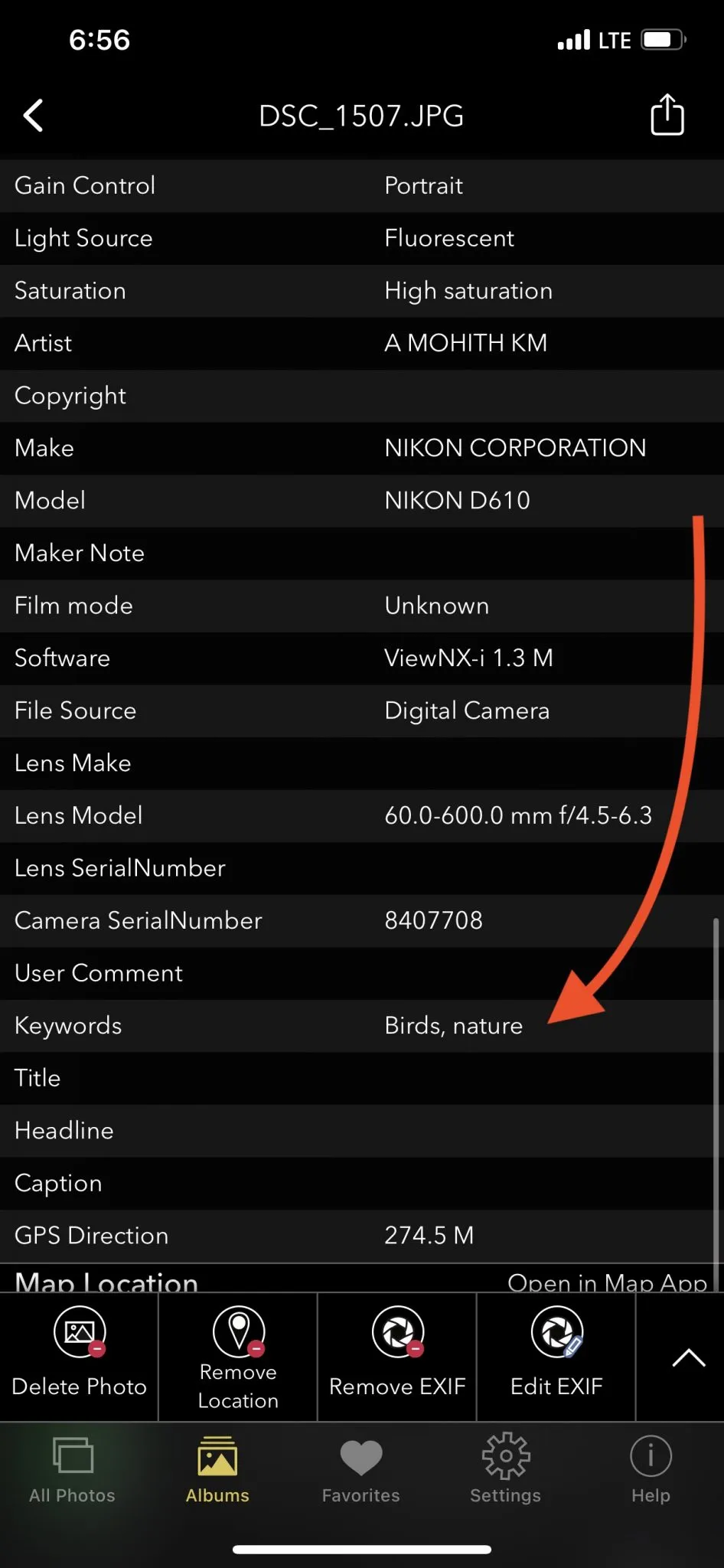
How to choose the best keyword for a photograph?
Learn how to choose the best keyword for a photograph to improve visibility and organization, perfect for SEO and digital photo management.
Updated October 20, 2024

How to Change the Background of a Photo to White
How to change a photo's background to white in Photoshop, Canva and free tools - step by step, for clean product and profile images.
Updated October 19, 2024
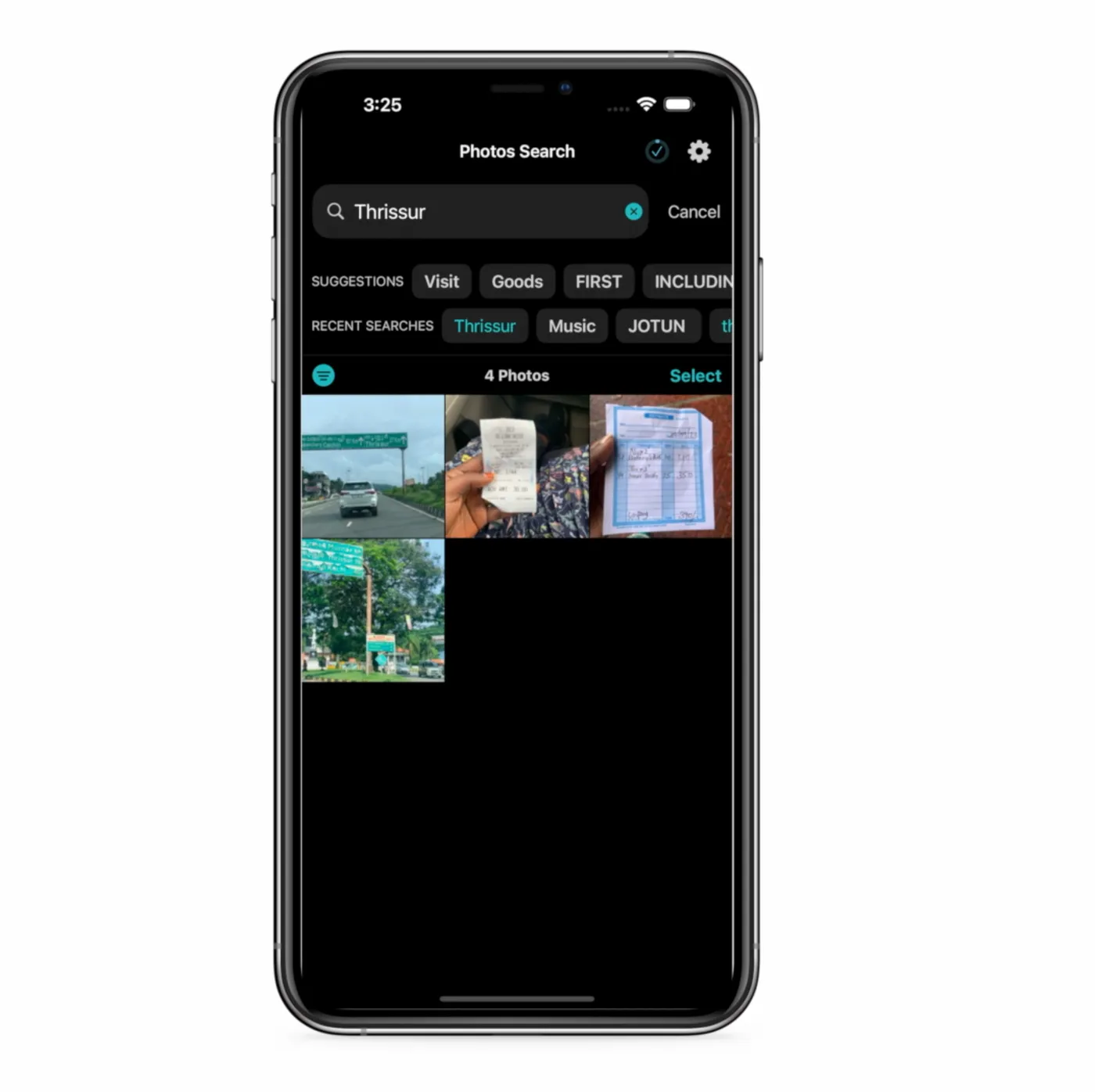
5 Easy Ways to Add Text to Photos on iOS
Discover 5 easy ways to add text to your photos on iOS devices. This guide explores built-in features and apps to make your photos stand out with custom captions.
Updated October 19, 2024
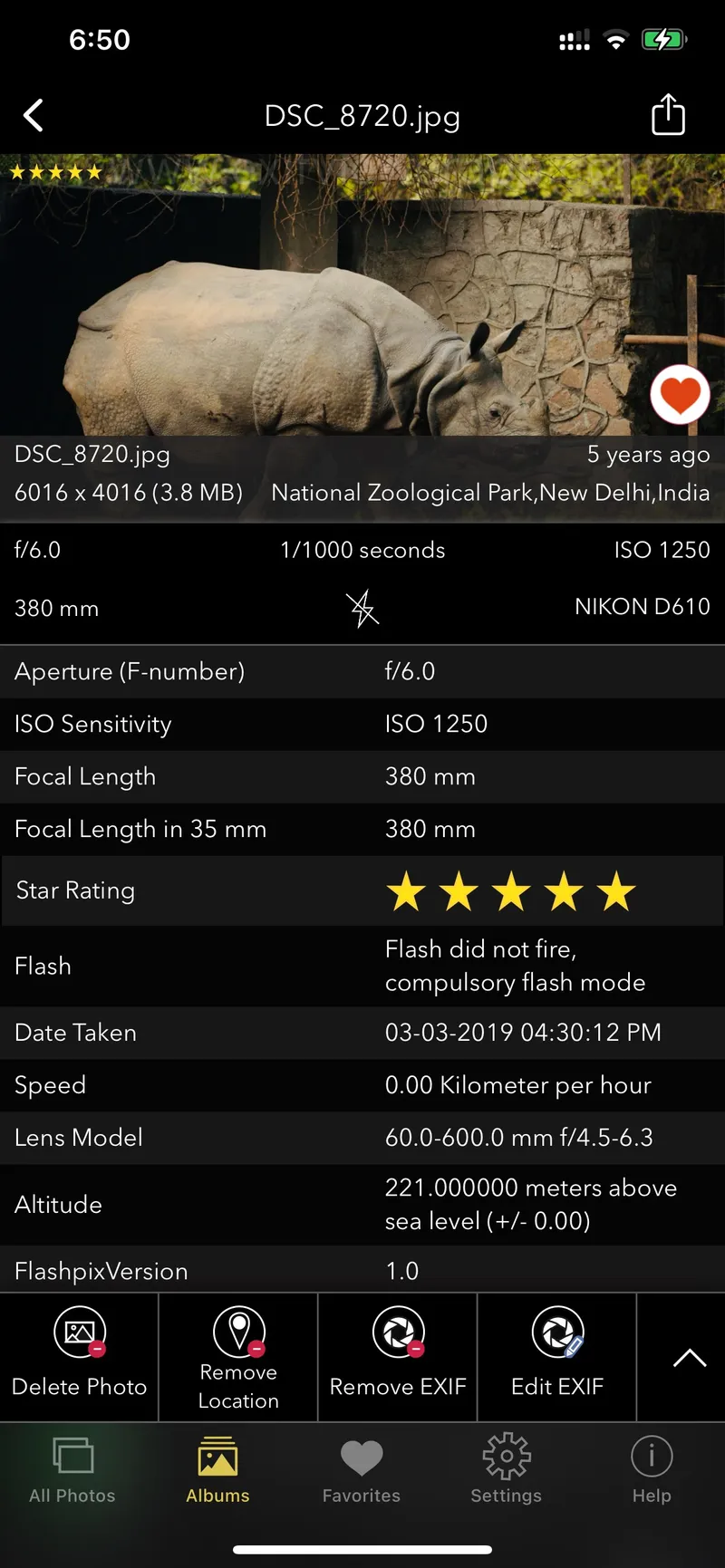
EXIF in Photos: How to View, Edit and Protect Metadata
What EXIF metadata is, how to view and edit it on any device, and how to protect or strip it before a photo leaves your hands.
Updated October 11, 2024

Metadata in Photo Editing: What to Keep, What to Change
When you save an edited photo, the EXIF data is typically carried over, ensuring that the original information remains intact.
Updated September 30, 2024
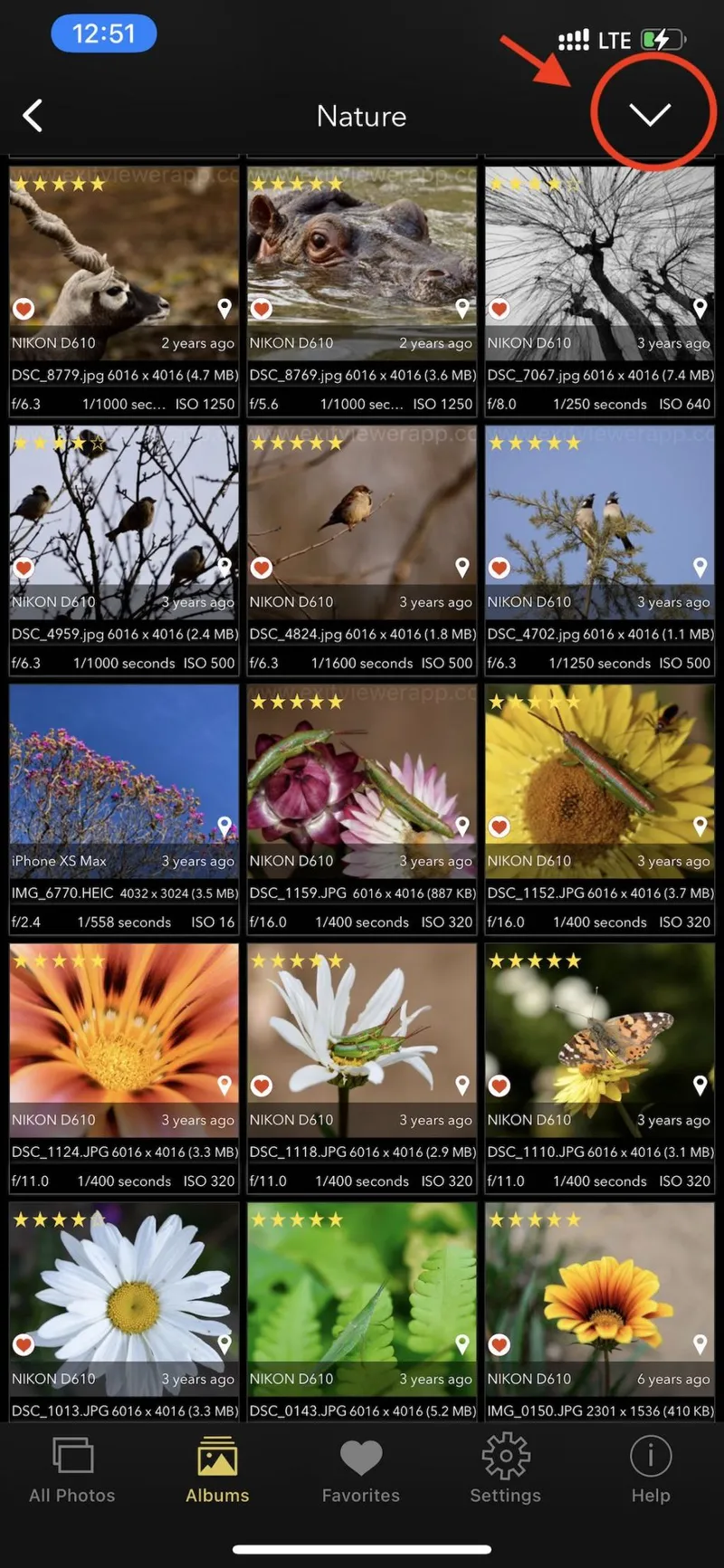
Best App for Bulk Editing EXIF Data on iPhone and iPad
Discover the best app for bulk editing EXIF data on iPhone and iPad. Learn how to easily edit dates, locations, and more in your photos.
Updated September 24, 2024
How to View and Edit IPTC Star Ratings on iPhone or iPad
Discover how to easily view and modify IPTC star ratings on your iPhone or iPad with the EXIF Viewer by Fluntro.
Updated September 18, 2024
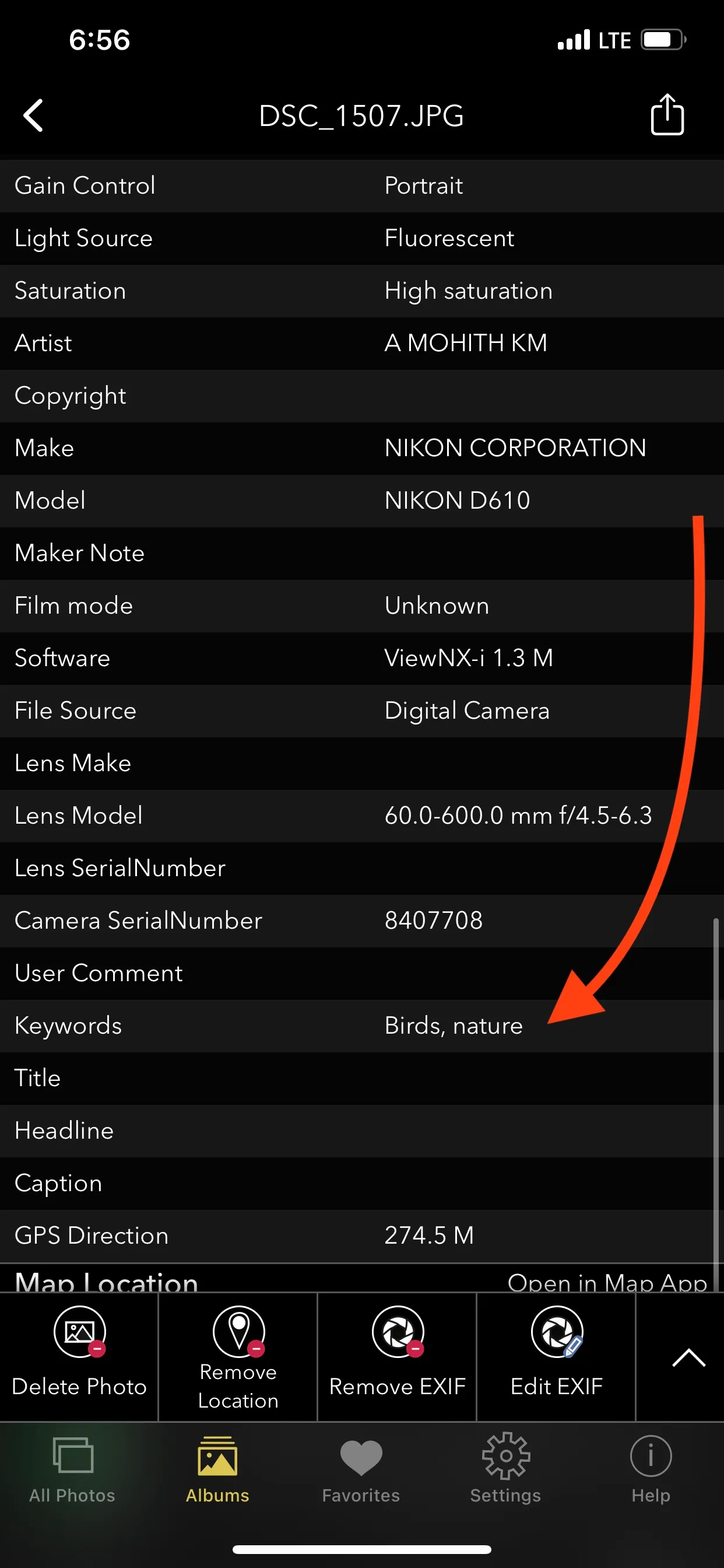
How to View and Edit Photo Keywords on iPhone and iPad
NOTE: Apple's photos app now allows you for searching photos with Captions. But not keywords yet. We hope they would add this feature in future updates.
Updated June 29, 2024
Questions
Short answers first; the guides above go deeper.
Other topics
Can the Photos app change the date of a photo?
Yes, since iOS 15: open a photo, tap ⓘ, then Adjust next to the date. It's one photo at a time, and it edits the Photos database, not the EXIF inside the file, so an exported original still carries the old date. EXIF Viewer writes into the file.
Can I edit keywords, star rating, copyright or caption?
Yes. IPTC star rating, keywords, title, description, copyright and artist fields can be viewed and edited.
Does editing EXIF reduce image quality?
No. Only the metadata section of the file is rewritten; the image data is untouched.
Every photo has a story in its metadata. Read it, fix it, or erase it.
$6.99 once — lifetime. Buy once, use on iPhone and iPad. No monthly subscription, no ads, no account.
4.7· 1.9K ratingsFeatured by Apple

On a computer?
Scan to install on your iPhone or iPad using camera app.