How to remove EXIF data and location from iPhone photos
Every photo you take stores where and when it was taken, on which device, with which settings. Some services strip that when you share; many don't. Here's what iOS can do by itself, and how to remove metadata from any number of photos, permanently, in one go.
4.7· 1.9K ratingsFeatured by Apple
The two-tap way, with EXIF Viewer
- 1
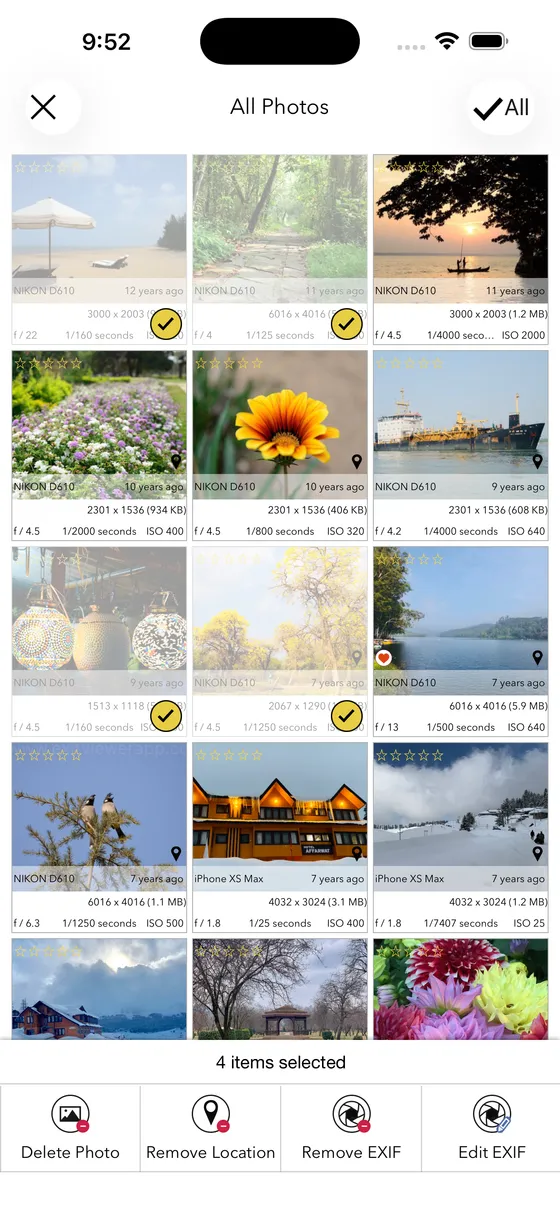
Select the photos
In EXIF Viewer, tap Select and pick one photo or a few hundred. Or use the share sheet from Photos for a single one.
- 2
Tap 'Remove EXIF' or 'Remove Location'
Choose to remove everything, or only the GPS location while keeping camera and exposure data.
- 3
Overwrite or duplicate
Overwrite rewrites the original in place so no app can recover the metadata. Duplicate keeps the original and creates a clean copy.
Step-by-step guides
5 articles in this topic.
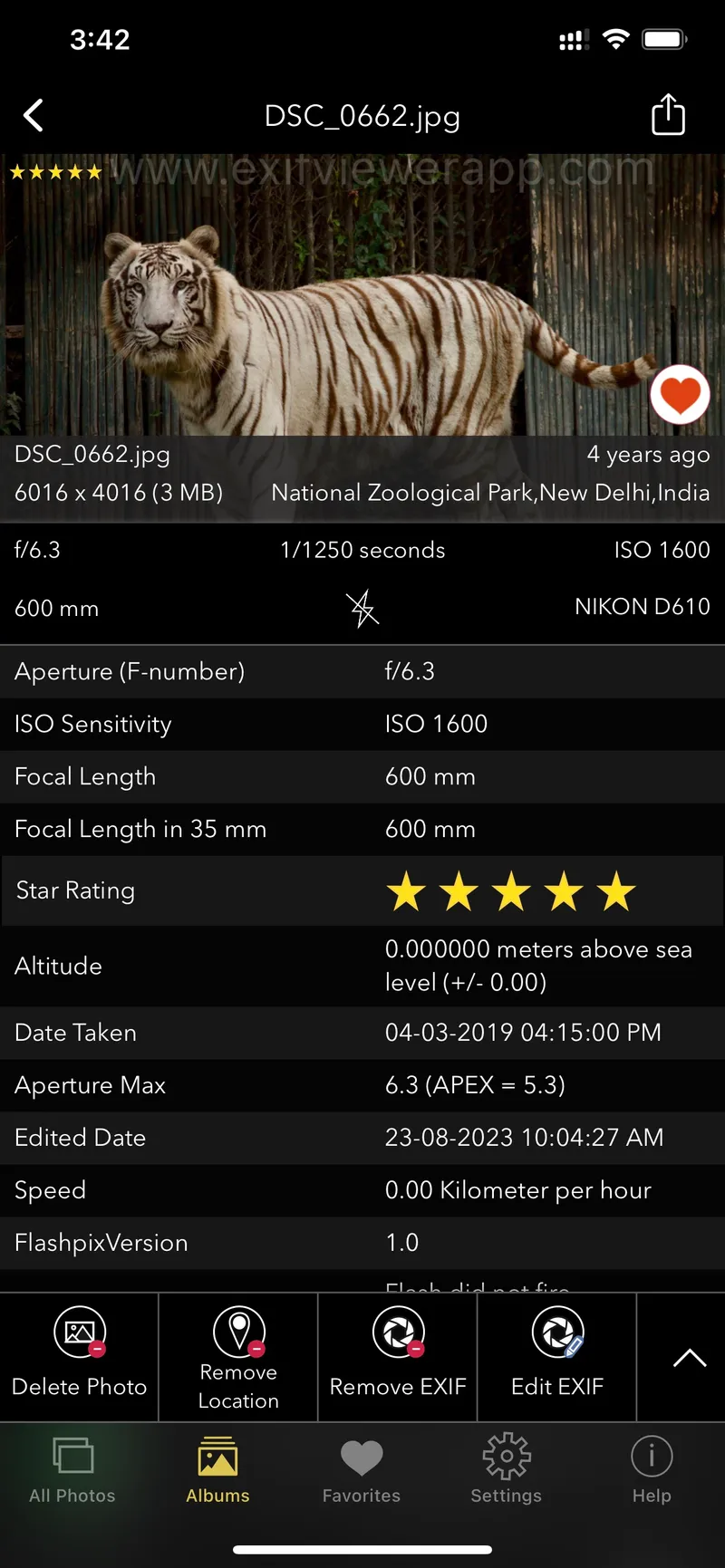
EXIF Data in Social Media: What You Need to Know
When you post a photo on social media, you might not realize that it contains a wealth of hidden information known as EXIF data.
Updated October 31, 2024

EXIF Data Remover for iPhone, iPad and Mac
Discover the best metadata remover apps for iPhone, iPad, and Mac. Learn how to easily remove EXIF and other hidden data from your photos to protect your privacy.
Updated October 11, 2024
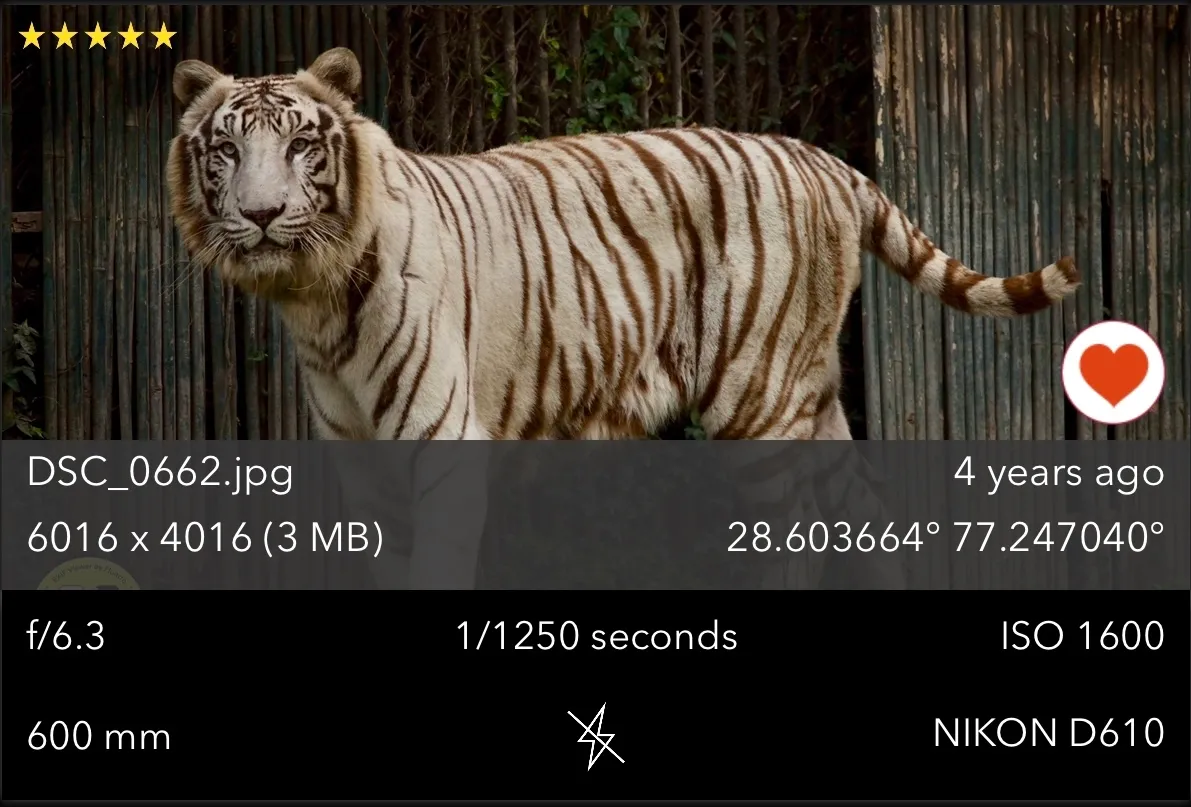
How to Edit or Remove Metadata for Privacy and Security
How to edit or remove photo metadata for privacy: what EXIF reveals, and how to strip it before you share an image.
Updated September 27, 2024
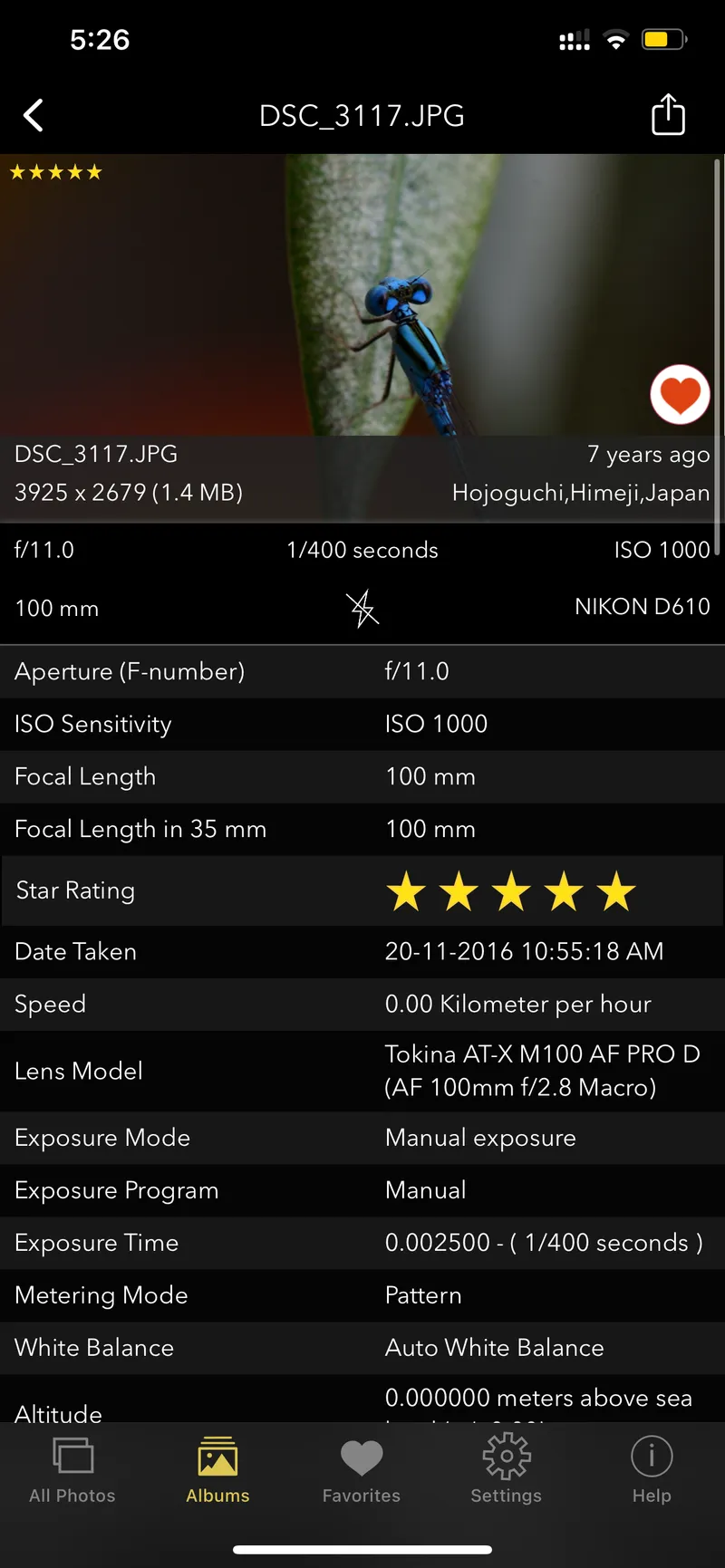
How to Remove Location Data from Photos Before Sharing
Learn how to easily remove location data from your photos to protect your privacy before sharing them on social media or online platforms.
Updated September 18, 2024
How to View and Remove EXIF Metadata on iPhone or iPad
Use any "EXIF Viewer" Apps from Appstore. Also checkout our "EXIF Viewer by Fluntro" App.
Updated March 25, 2022
Questions
Short answers first; the guides above go deeper.
Other topics
Does the iPhone remove location when I share a photo?
Only if you turn it off each time: tap Share → Options at the top of the share sheet → switch Location off. That affects only that share, and it does not remove other metadata like the camera model and date.
Which apps strip EXIF automatically?
Instagram, Facebook, X, WhatsApp and Messenger remove most metadata including GPS when you post or send. Email, AirDrop, iMessage (as photo), Google Drive, Dropbox and most cloud links keep it.
Can removed EXIF data be recovered?
Not when the file is overwritten. A duplicate leaves the original intact in your library, so delete the original if you don't need it.
Every photo has a story in its metadata. Read it, fix it, or erase it.
$6.99 once — lifetime. Buy once, use on iPhone and iPad. No monthly subscription, no ads, no account.
4.7· 1.9K ratingsFeatured by Apple

On a computer?
Scan to install on your iPhone or iPad using camera app.