How to Sort Photos by Date on iPhone
Learn how to easily sort photos on your iPhone by date using the Fluntro Photo Search app. Filter your images by date range for quick and efficient photo management.
By Sneha MohithUpdated 3 min read
Managing a large photo library on your iPhone can get overwhelming, especially when you want to find images from a specific date. While the iPhone’s Photos app offers some basic sorting and organization tools, it doesn’t always allow the flexibility needed for sorting by exact dates. That’s where the Photos Search by Fluntro app steps in. With this app, you can easily sort photos on your iPhone by date and even filter them within a date range, making photo organization faster and more efficient.
Why Sorting Photos by Date is Essential
Over time, our iPhones accumulate thousands of photos—vacation snapshots, birthday celebrations, random clicks—all mixed up. Sorting photos by date allows you to:
- Quickly locate specific memories from a particular day.
- Organize your photo library for better accessibility.
- Save time by filtering out irrelevant photos.
How to Sort Photos by Date Using Photos Search
The Photos Search app makes sorting your photos by date simple and intuitive. Here’s a step-by-step guide:
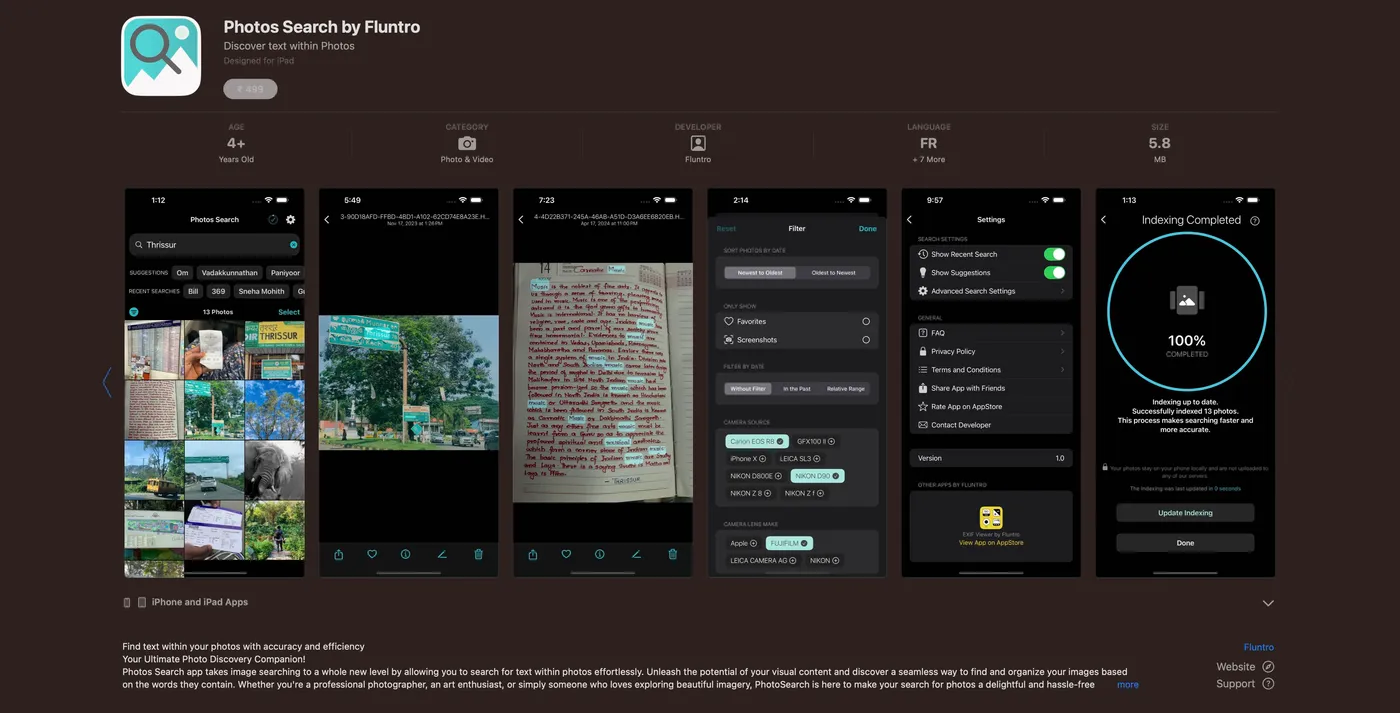
- Download and Open Photos Search by Fluntro App
- If you haven’t already, download the Photos Search app from the App Store and open it.
- Access Your Photo Library
- Grant the app permission to access your photo library so it can scan all your images and prepare them for sorting.
- Select the Sort by Date Option
- Within the app’s interface, choose the option to sort photos by date. This feature will organize all of your photos chronologically.
- Use the Date Range Filter
- If you’re looking for photos from a specific period, the app allows you to filter by a date range. Enter the start and end dates, and the app will show only the photos taken within that range.
Benefits of Sorting Photos by Date with Photos Search
- Precision Sorting: Unlike the default Photos app, which groups images based on months or years, Photos Search allows you to drill down to specific dates.
- Date Range Filters: Need to find photos between two vacations? No problem. Simply set the date range and instantly access all the photos taken within that period.
- Fast and User-Friendly Interface: The app is designed to be lightweight and easy to use, ensuring quick results with minimal effort.
Extra Sorting and Filtering Features in Photos Search
In addition to sorting by date, Photos Search by Fluntro offers a variety of powerful features for further organizing your photo library:
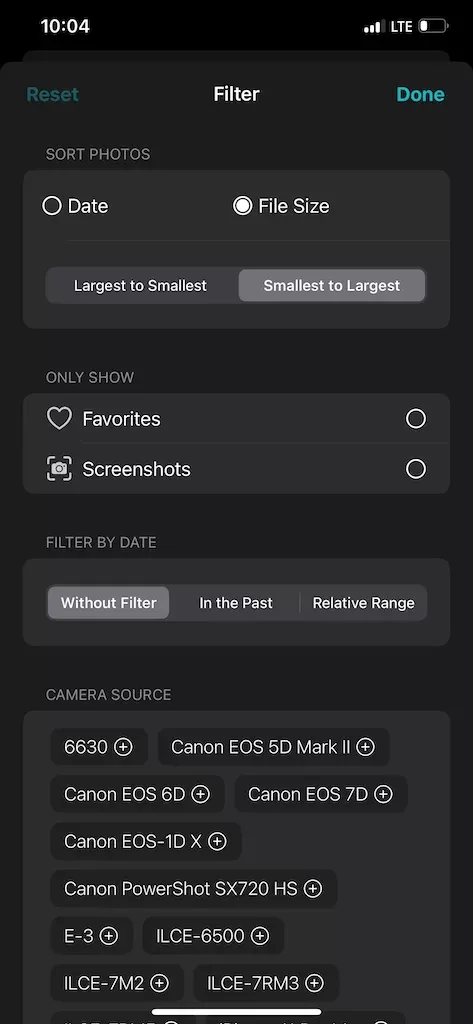
- Sort by Photo File Size
Photos Search is soon introducing a new feature that allows users to sort photos by file size. This is particularly useful if you’re managing storage space or looking to delete large files. You’ll be able to quickly filter out the largest photos to free up room on your device.
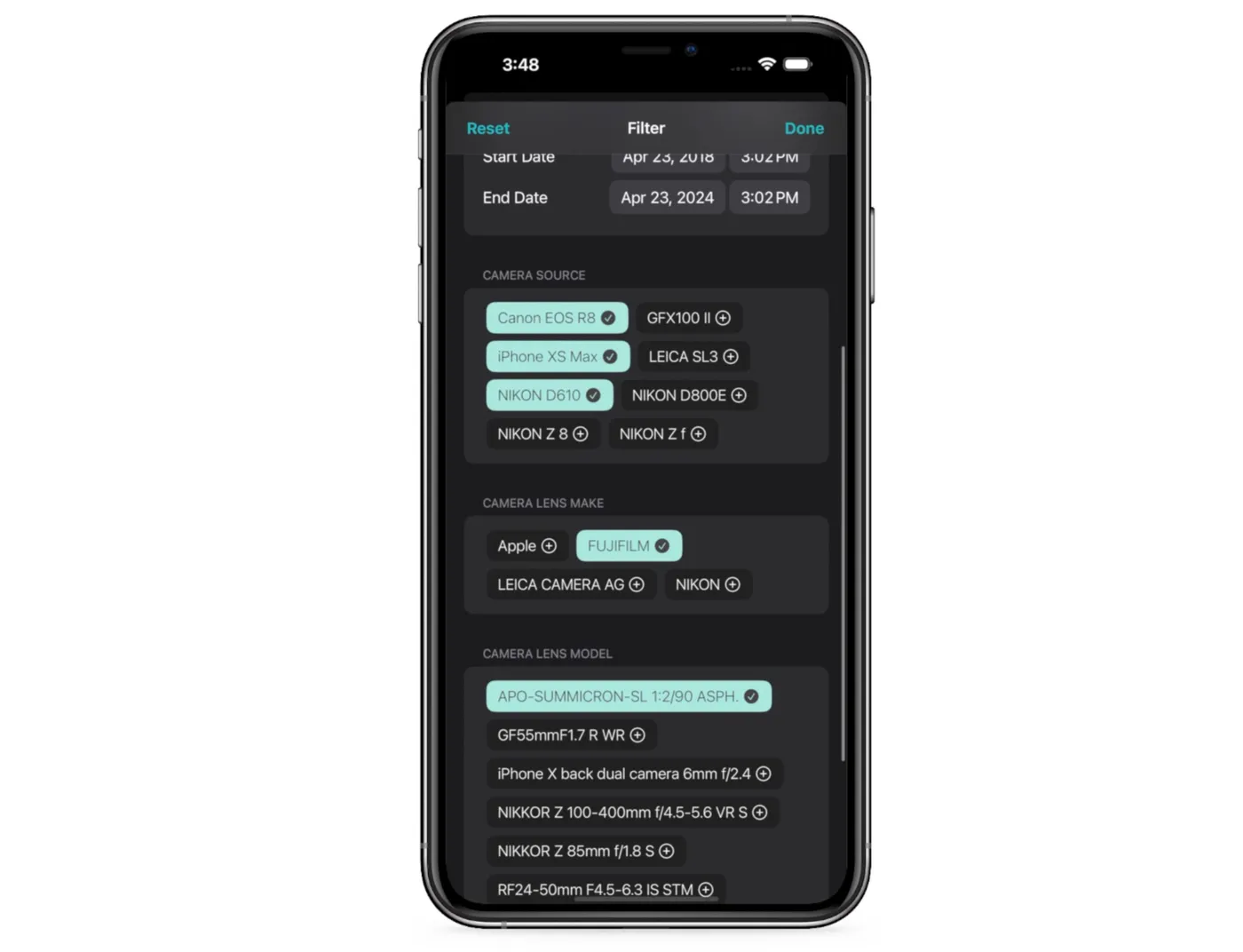
- Filter by Camera Source
The app allows you to filter photos based on the camera used to take them. Whether you’re working with images from your iPhone, DSLR, or other devices, Photos Search App can easily categorize your photos by camera source, helping you find the exact shots you’re looking for.
- Filter by Lens Make
For photography enthusiasts, Photos Search even enables sorting by lens make. This feature is especially helpful for photographers who use different lenses and want to compare shots or find images taken with specific gear.
Benefits of Photos Search Enhanced Features
- Comprehensive Sorting Options: With the ability to sort/ filter by camera source, file size, and lens make, the app provides a level of detail that the default Photos app simply cannot.
- Efficient Photo Management: These extra filters, combined with date sorting and date range filters, make Photos Search an invaluable tool for organizing your growing collection of photos, especially for those with varied camera equipment.
This additional content expands on the app’s advanced features while keeping the focus on helping users manage their photos effectively.