Metadata in Photo Editing: What to Keep, What to Change
When you save an edited photo, the EXIF data is typically carried over, ensuring that the original information remains intact.
By Sneha MohithUpdated 2 min read
In the world of photography, editing is a powerful tool that allows photographers to enhance their images, correct imperfections, and bring their creative visions to life. However, as you dive into the realm of photo editing, it’s essential to understand the role of metadata, specifically EXIF data, and how photo editing software can either preserve or alter this valuable information.
WHAT IS EXIF METADATA?
EXIF stands for Exchangeable Image File Format, and it’s a standardized format for storing metadata within a photo file. This metadata includes essential information about the image, such as:
- Camera Settings: This includes details like the camera model, aperture, shutter speed, ISO, and focal length used when capturing the photo.
- Date and Time: EXIF data stores the date and time when the photo was taken, allowing you to track when an image was created.
- Geolocation: For photos taken with GPS-enabled cameras or smartphones, EXIF data may include GPS coordinates, providing the precise location where the image was captured.
- Copyright Information: Photographers can embed copyright and contact information, making it easier to protect their work.
- Image Processing: Some EXIF data may also include details about post-processing, such as the software used and the settings applied during editing.
FOR VIEWING EXIF DATA
- On a windows PC: Use File Explorer and other Third-party softwares like “Exif Pilot” or “ExifPro”.
- On a MAC: Use Preview, Photos App.
- On Android devices: Built-in Gallery App and Third-party Apps like “EXIF Editor” or “Photo EXIF Editor.”
- On iOS devices: Photos App and Third-party Apps like Exif Viewer by Fluntro.

On Mac : screenshots displaying exif information of picture in Preview
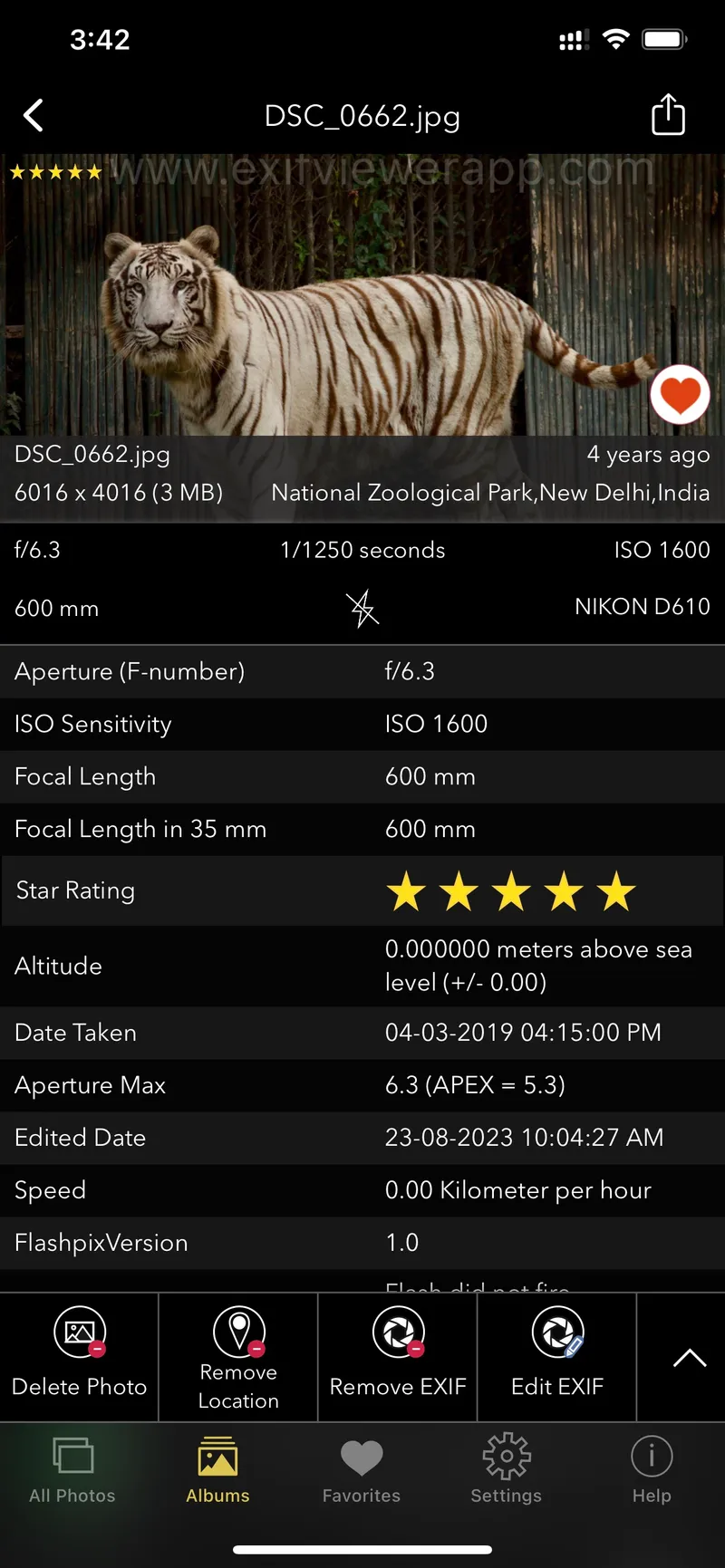
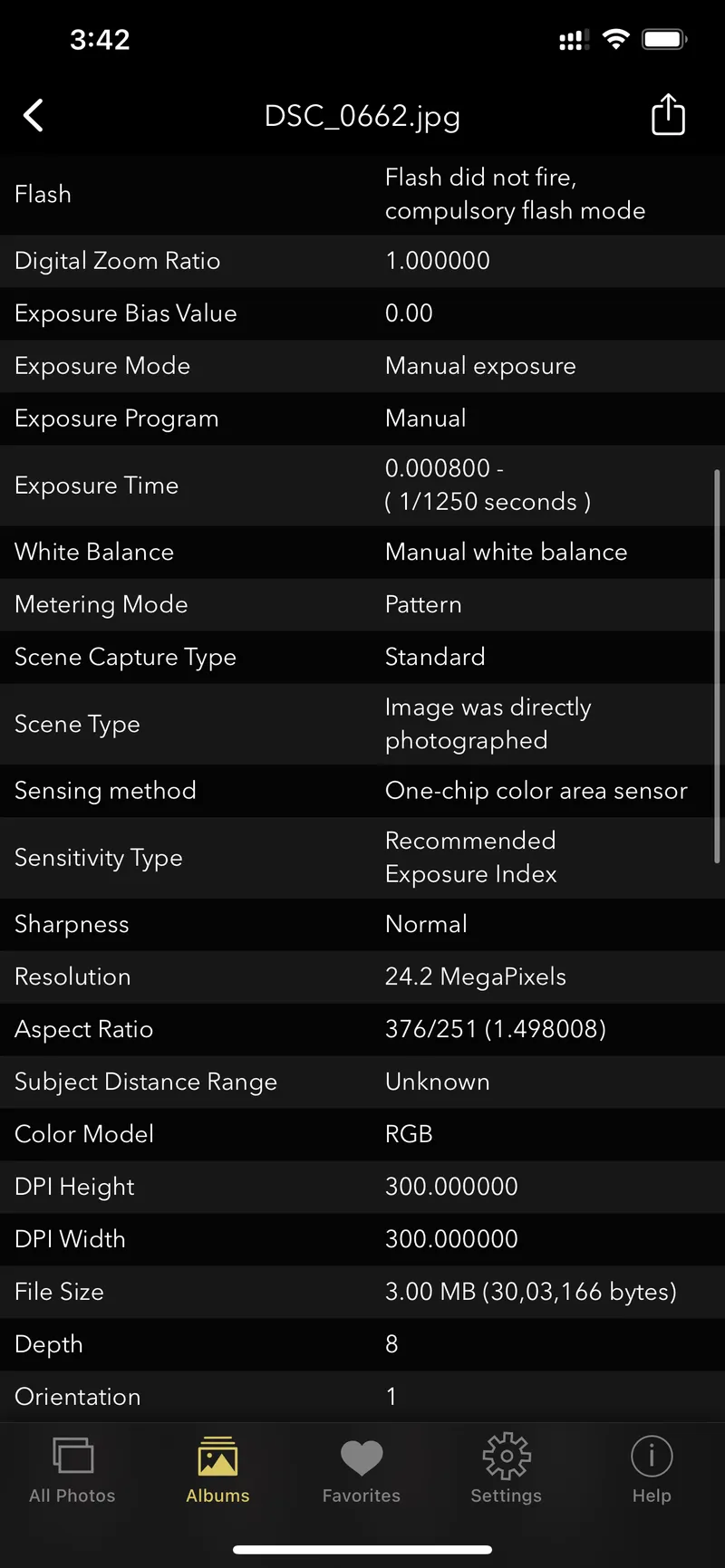
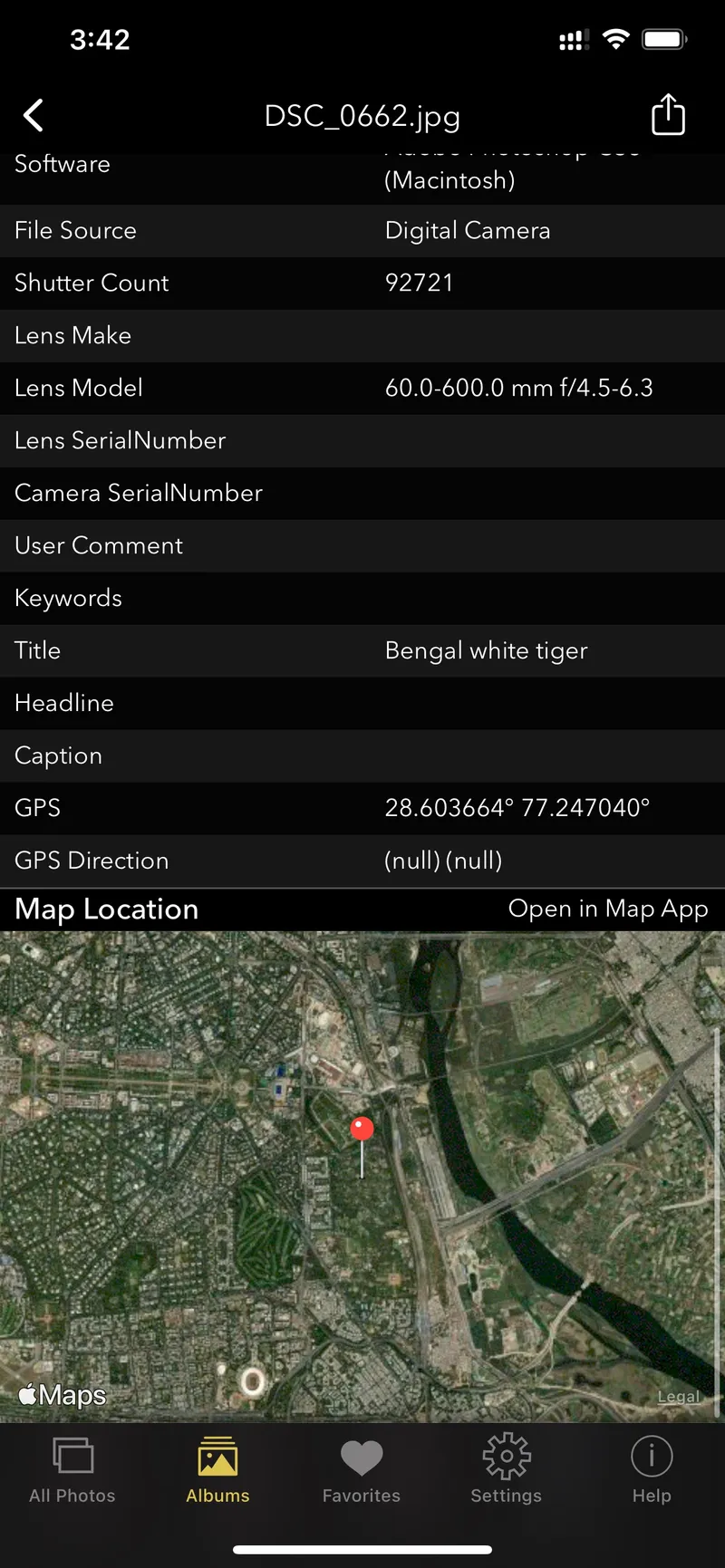
On iOS: Screenshot of EXIF Viewer by Fluntro app displaying detail view of all exif information of a photo
For iOS users Using Third-party Apps:
- Download an EXIF viewer app from the App Store, such as “Exif Viewer by Fluntro.”
- Open the app, import your photo, and View, Remove and Edit the EXIF data.