Geotagging and Timestamps: How Photos Record Where and When
Learn about geotagging and timestamps in photos and how Fluntro's EXIF Viewer iOS app makes it easy to understand this info.
By Sneha MohithUpdated 3 min read
Have you ever wondered how your photos automatically know where and when they were taken? Thanks to geotagging and timestamps, your images can keep track of location and time data effortlessly. This feature is incredibly useful for organizing your photos, but it also raises privacy concerns when sharing images online. In this guide, we’ll explore how geotagging and timestamps work in photography, their benefits, and how to manage or remove this data to safeguard your privacy while still enjoying the convenience of digital photo management.
What Geotagging and Timestamps Can Tell You?
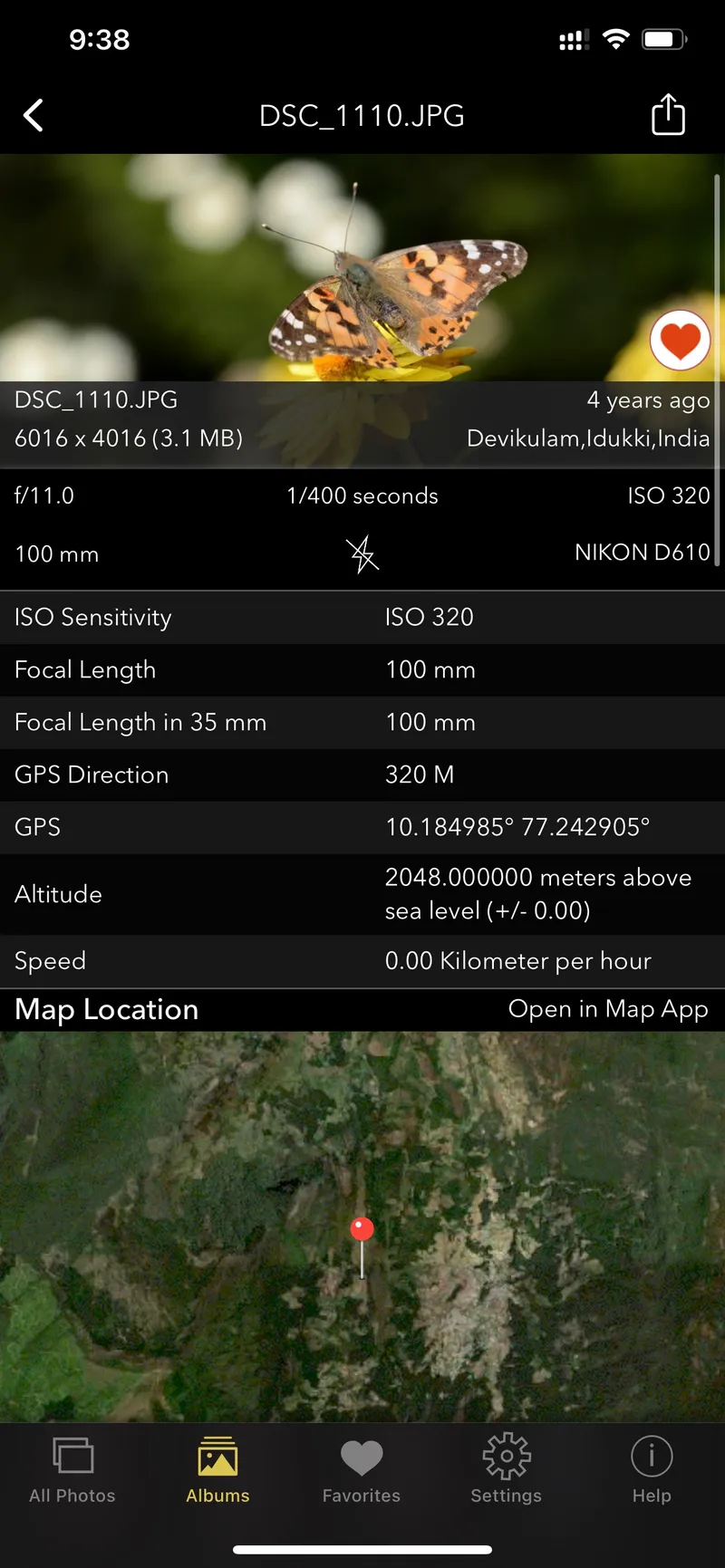
Geotagging is like a little GPS tracker for your photos, telling you exactly where you were when you took a picture. Timestamps show you the date and time the photo was taken. Put together, they can help you remember your adventures and special moments with all the details!
Meet the EXIF Viewer by Fluntro App
The EXIF Viewer app by Fluntro is like a helpful guide for your photos. It takes all the tricky information about where and when your photos were taken and makes it easy to understand. You can use it to find out where you took a particular photo and when. It’s like having a personal photo detective in your pocket!
Unleash the potential of your visual content and discover a seamless way to find and organize your images based on the words they contain. Whether you’re a professional photographer, an art enthusiast, or simply someone who loves exploring beautiful imagery, PhotoSearch is here to make your search for photos a delightful and hassle-free experience.
- Visit the App Store on your iPhone or iPad.
- Search for “EXIF viewer by Fluntro“.
- Download and install the app. EXIF Viewer app allows you to view image metadata.
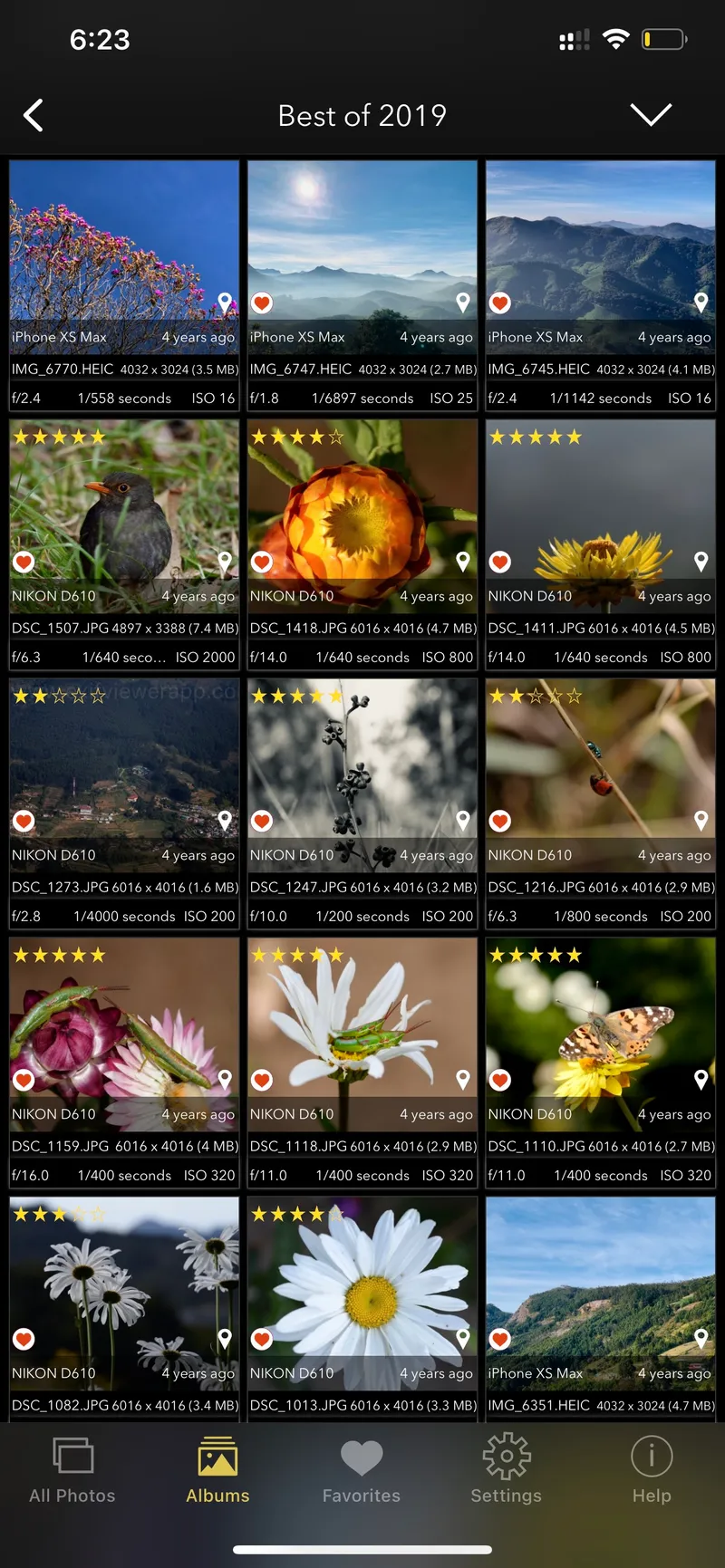
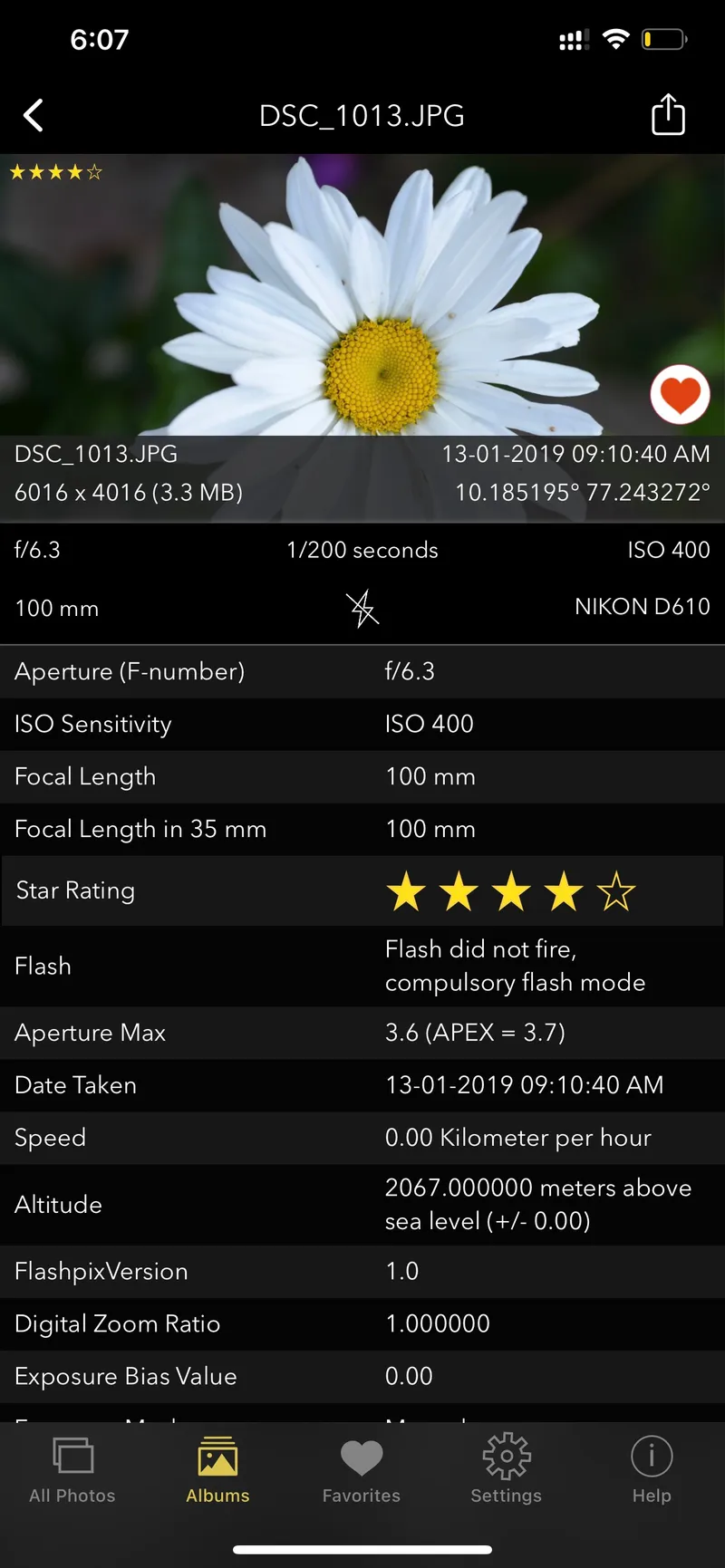
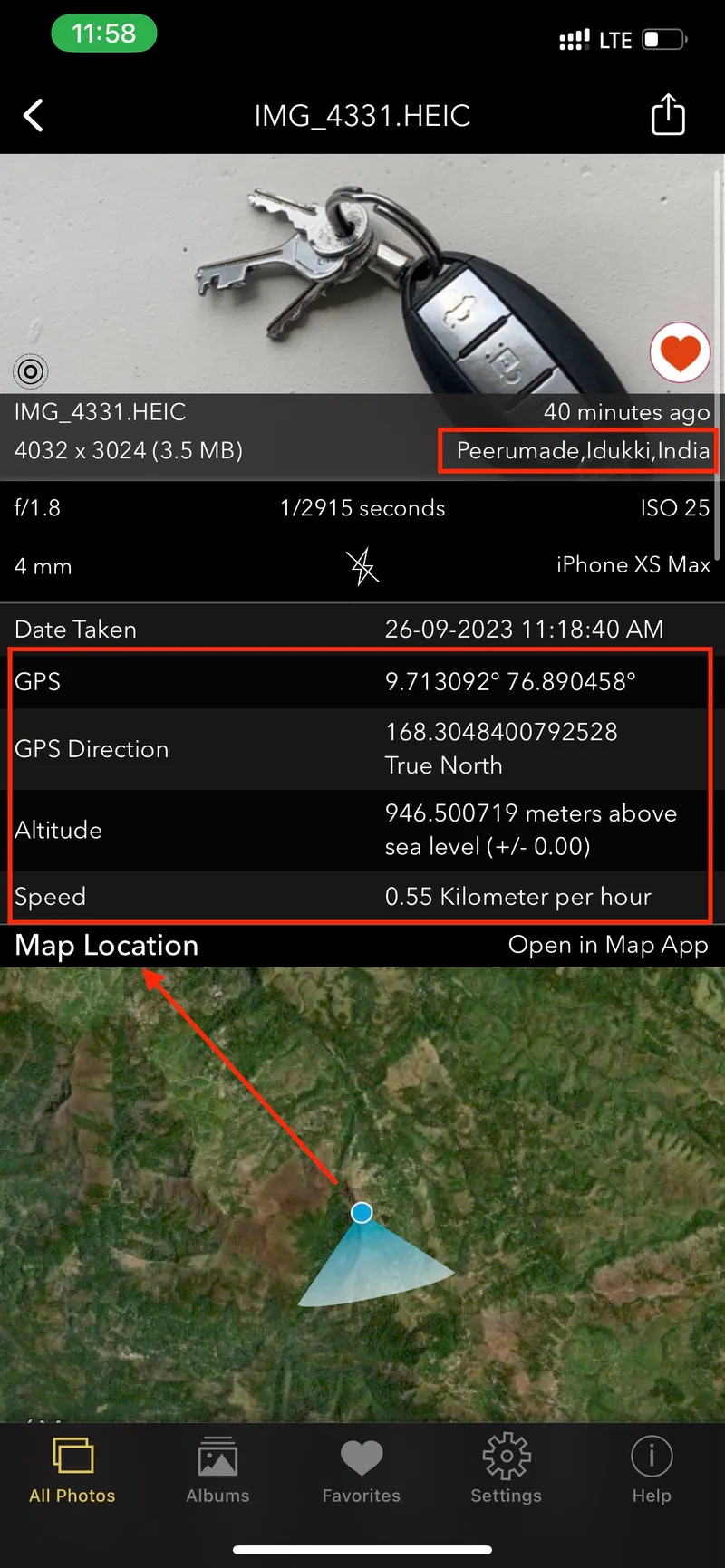
EXIF Viewer by Fluntro App Screenshot showing Images all exif details using including lens, geotagging, DPI. For more details scroll down.
How the EXIF Viewer App Makes Your Photo Life Better?
- Easy Info Understanding: With the app, you can understand where and when your photos were taken without any confusion. It’s like reading a simple map.
Viewing EXIF Data Using EXIF Viewer by Fluntro on iPhone and iPad
- Better Storytelling: Knowing the exact location and time of your photos can help you tell more exciting stories about your adventures and experiences. It’s like adding secret details to your tales!
-
Knowing Places Better: The app helps you explore and understand the places where you took your photos, making you feel more connected to the special spots you’ve visited. It’s like having a virtual tour guide for your memories.
-
Useful for Picture Pros: If you love taking lots of photos, this app can help you organize them better and even use them for work or school projects. It’s like having a superpower for making amazing photo albums!
Geotagging and timestamps add an extra layer of magic to your photos, helping you remember the special places and moments you’ve captured. With the EXIF Viewer app by Fluntro, you can unlock even more secrets hidden in your photos. Get ready to make your photo journey even more exciting and memorable with this awesome app!
Control Over Personal Data: Managing Photos and Metadata for Privacy