
Free · No upload · No account
Add Watermark to a Photo
Put your name or © notice on a photo — position, size, opacity and colour are up to you. Drawn on your device, downloaded instantly. Everything runs in your browser: your photo is never uploaded. [ + ]
Drop a photo to watermark
Add your name or © notice as text, choose corner, size and opacity. JPEG · HEIC · PNG · WebP · nothing is uploaded.
Photos are read locally on your device — this page makes no network request with your file.
For iPhone, iPad & Mac · Featured by Apple
The full EXIF toolkit lives on your iPhone
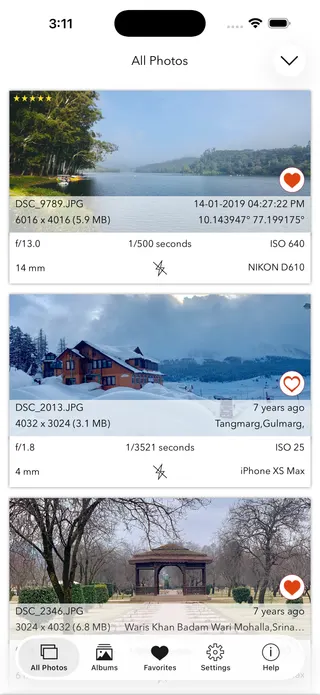
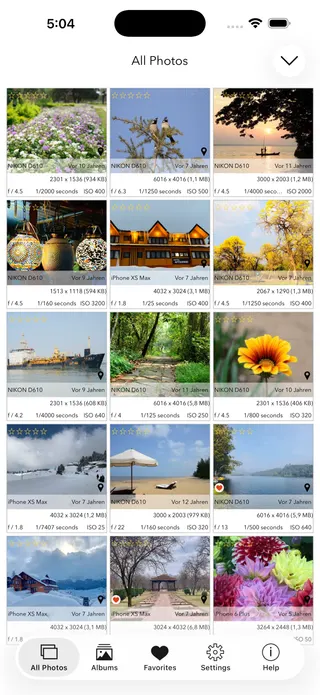
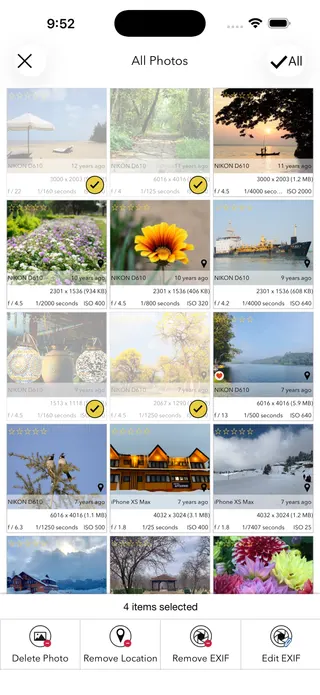
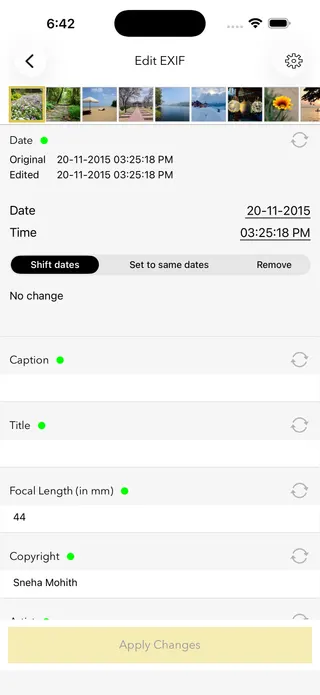
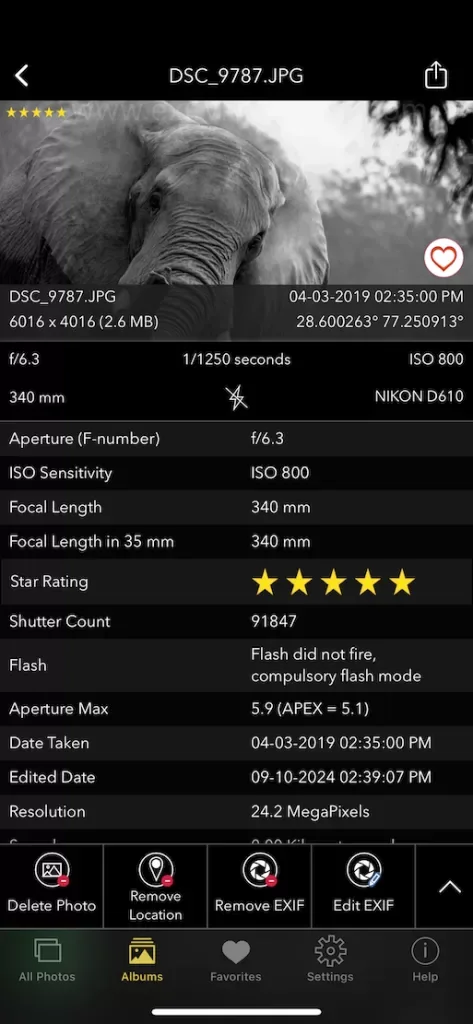
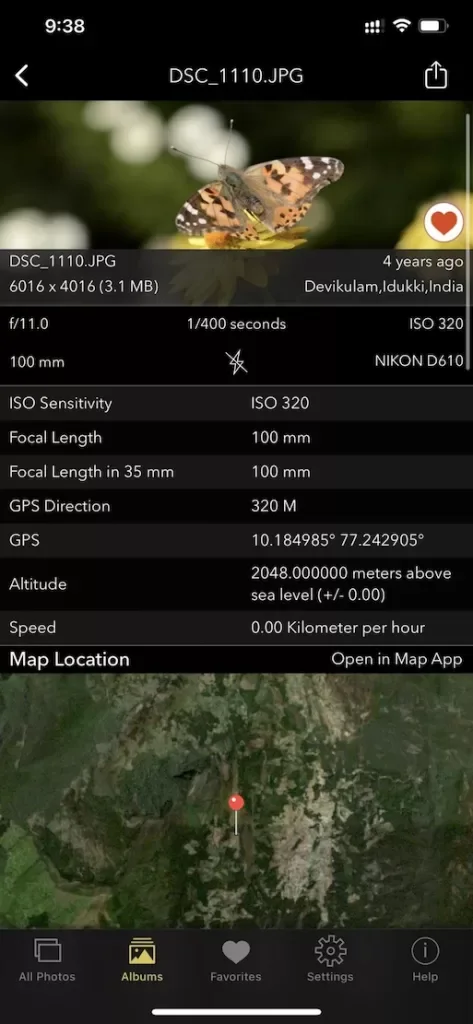
This page shows what’s inside a photo. EXIF Viewer by Fluntro goes further — view, edit, and remove metadata (including GPS geotags) right in your photo library, bulk-edit dates and locations, and share any photo with or without its EXIF. Buy once, use on iPhone, iPad and Mac. No subscription. Your photos never leave your device there either.
4.7· 1.9K ratingsFeatured by Apple
Add Watermark to a Photo — frequently asked questions
Short answers; the app’s guides go deeper.
How do I add a watermark to a photo?
Drop a photo onto this page, type your watermark text — your name or a copyright notice — choose position, size, opacity and colour, and click Add watermark and download. It is drawn onto the image in your browser; nothing is uploaded.
Is my photo uploaded to a server?
No. The watermark is drawn entirely in your browser, on your own device. Your photo is never sent to a server, stored, or shared, and once the page has loaded it even works offline.
Where should I place a watermark?
The bottom-right corner is the convention — visible but unobtrusive. A centred watermark is much harder to crop out, at the cost of sitting over your subject; photographers protecting client proofs often use it deliberately.
What opacity works best?
Around 60–80% reads clearly without dominating the photo. Lower it toward 40% for a subtle signature; keep it high for proofs you don't want reused.
Can a watermark be removed?
Corner watermarks can be cropped away, and editing tools can attempt to erase any watermark. It deters casual misuse rather than preventing determined theft — which is why pairing it with an invisible EXIF copyright is a good habit.
Is a watermark or EXIF copyright better?
They complement each other. A watermark is visible to everyone but alters the image; EXIF copyright is invisible, keeps the photo clean, and is what professional workflows read. Use the Add Copyright tool on this site for the metadata side — many photographers apply both.
Does watermarking reduce photo quality?
The image is re-encoded once at high quality (JPEG 92%; PNG stays PNG), which is visually indistinguishable for normal use. Dimensions are unchanged. Always keep your unwatermarked original.
What happens to the photo's metadata?
It is removed. Drawing the watermark redraws the image, producing a clean file without the original's hidden metadata — including any GPS location. Embed authorship in metadata separately with the Add Copyright tool if you want it.
Can I use the © symbol in the watermark?
Yes — the watermark is drawn as pixels, so any character works, including ©. (This differs from EXIF metadata fields, which are ASCII-only.)
Is this watermark tool free?
Yes, completely free, with no account and no upload. For photo metadata tools on iPhone and iPad, the EXIF Viewer by Fluntro app is a one-time purchase.
Private by design
This tool was built so your photos never have to leave your device. Here’s exactly what that means for your data.
Nothing is uploaded
Your photo is opened and read entirely inside your own browser. It is never sent to a server, stored, or shared — once this page has loaded, it even works with your connection switched off.
No account, no tracking
There is no sign-up and no advertising cookies. The only thing saved on your device is your light or dark theme preference. Page views are counted without cookies or identifiers.
Your location stays yours
If a photo contains GPS coordinates, they are shown only to you, on your screen. We never see them, and any map link opens only if you choose to click it.
Nothing to collect
Because no personal data leaves your device, there is nothing for us to collect, log, or process. The full details are in our Privacy Policy.
Metadata is read from your file exactly as it was saved and is shown “as is.” It can be missing, altered, or inaccurate — for example, timestamps depend on the camera's clock and GPS can be approximate — so please don't rely on it as proof for legal, forensic, insurance, or safety decisions. This tool is provided free and without warranty; see our See our Terms & Disclaimer and Privacy Policy.
More free photo tools
All 20 run in your browser — nothing is ever uploaded.
Inspect & verify
- EXIF Metadata ViewerSee every tag hidden in a photo
- Photo Privacy CheckerWhat does your photo reveal about you?
- Is This Photo Edited?Editing traces & AI markers
- What Camera Took This Photo?Identify the camera, phone & lens
- When Was This Photo Taken?Find the exact date & time
- Photo Location ViewerSee where a photo was taken
- Camera Shutter CountCheck a camera’s shutter actuations
Edit & clean
Image utilities
- Resize ImageShrink to exact pixels
- Compress ImageCut the file size, keep dimensions
- Add Watermark to a PhotoPut your name on it · you are here