
Free · No upload · No account
Change Photo Date
Fix the date a photo was taken — edit the EXIF date & time and download the corrected file. Lossless for JPEG. Everything runs in your browser: your photo is never uploaded. [ + ]
Drop a JPEG to change its date
Reads the current EXIF date, lets you set a new one, and downloads a copy with the date written into the file. JPEG only · nothing is uploaded.
Photos are read locally on your device — this page makes no network request with your file.
For iPhone, iPad & Mac · Featured by Apple
The full EXIF toolkit lives on your iPhone
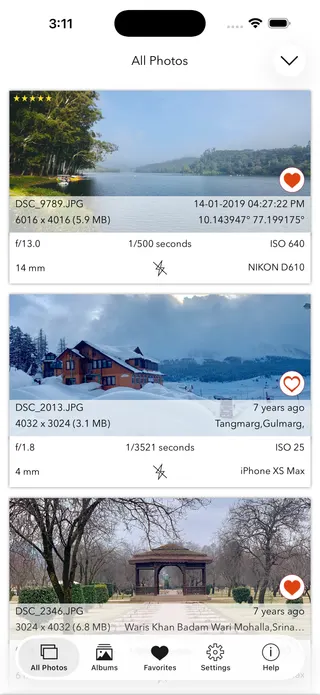
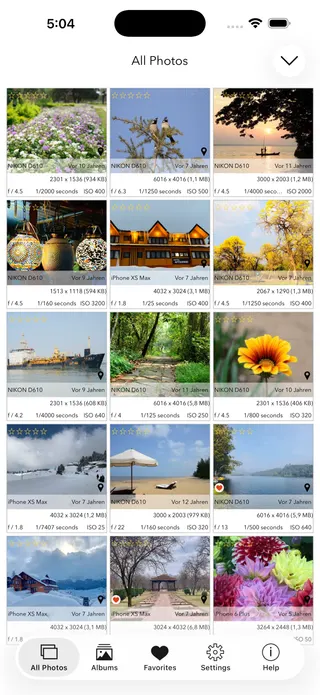
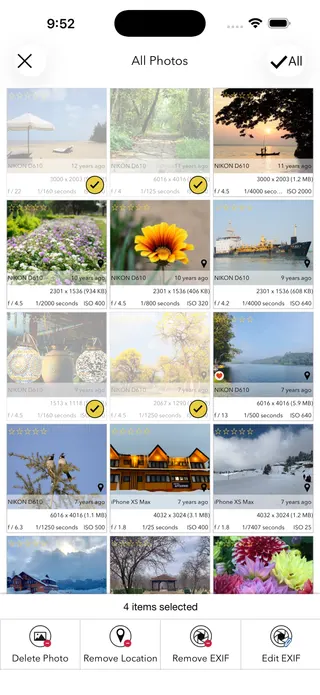
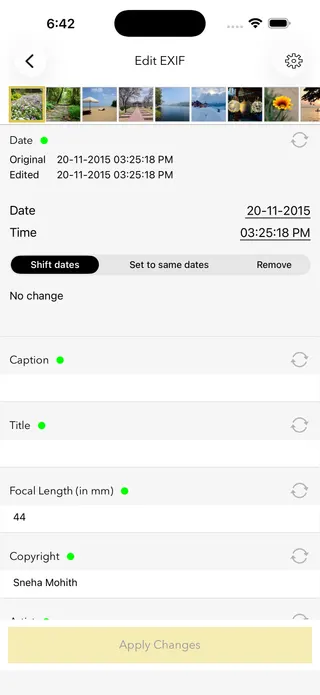
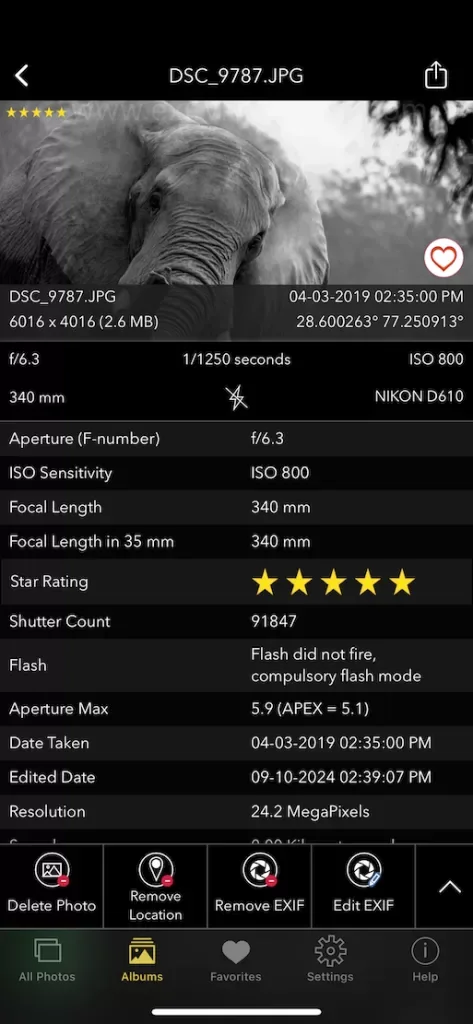
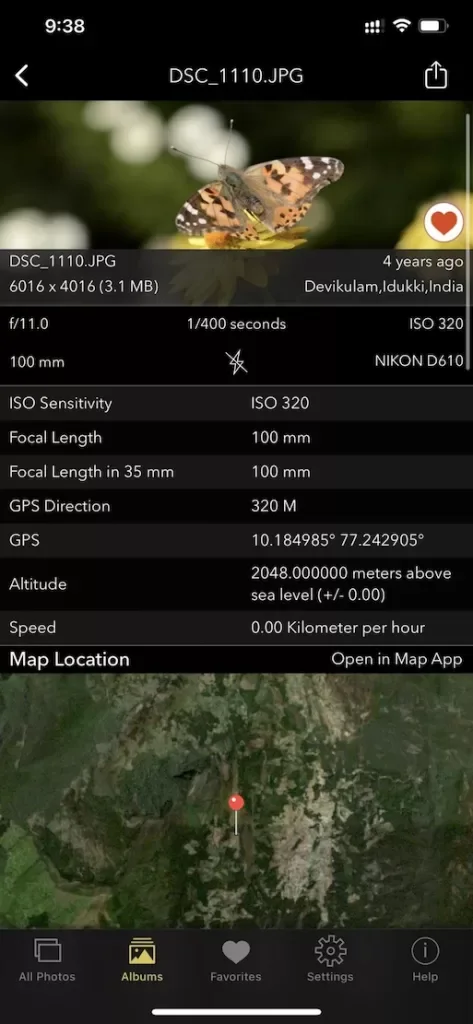
This page shows what’s inside a photo. EXIF Viewer by Fluntro goes further — view, edit, and remove metadata (including GPS geotags) right in your photo library, bulk-edit dates and locations, and share any photo with or without its EXIF. Buy once, use on iPhone, iPad and Mac. No subscription. Your photos never leave your device there either.
4.7· 1.9K ratingsFeatured by Apple
Change Photo Date — frequently asked questions
Short answers; the app’s guides go deeper.
How do I change the date a photo was taken?
Drop a JPEG photo onto this page, pick the correct date and time, and click Apply and download. The EXIF date fields are rewritten in your browser and you download the corrected file. The image itself is not recompressed, and nothing is uploaded.
Which date fields are changed?
All three EXIF date fields are set to your chosen value: DateTimeOriginal (when the photo was taken), DateTimeDigitized (when it was scanned or captured), and DateTime (last modified). This is what photo apps read when they sort your library.
Does changing the date affect photo quality?
No. Only the metadata block is rewritten — the image pixels are copied through untouched, with no recompression and no quality loss. All other metadata, including camera details and GPS, is preserved.
Why would I need to change a photo's date?
Common reasons: the camera's clock was set wrong or to the wrong timezone after travel, scanned photos carry the scan date instead of the original date, and photos received through apps sometimes lose their date. Fixing the EXIF date puts them back in the right place in your timeline.
Is my photo uploaded to a server?
No. The date is rewritten entirely in your browser, on your own device. The photo is never sent to a server, stored, or shared.
Does this work with HEIC, PNG, or RAW files?
This web tool rewrites dates in JPEG files. For HEIC photos and for changing dates on many photos at once, the EXIF Viewer by Fluntro app edits dates directly in your iPhone or iPad photo library, including bulk shifting a whole batch.
Can I shift dates for many photos at once?
This page edits one photo at a time. To shift hundreds of photos by the same offset — for example after a camera clock was an hour off for a whole trip — the EXIF Viewer by Fluntro app does bulk date editing on iPhone and iPad.
Will my photo app show the new date?
Yes — photo apps and libraries read the EXIF DateTimeOriginal field, which this tool sets. Note that your computer's file-created and file-modified dates are separate from EXIF and are set by the download itself.
Is editing a photo's date legal?
Correcting your own photos' dates is completely normal — it is what every photo manager's edit-date feature does. What matters is intent: presenting altered metadata as evidence in legal or insurance matters would be misrepresentation. This tool is for organising your own library.
Is this date changer free?
Yes, completely free, no account, no upload. For bulk date editing and full metadata control on iPhone and iPad, the EXIF Viewer by Fluntro app is a one-time purchase.
Private by design
This tool was built so your photos never have to leave your device. Here’s exactly what that means for your data.
Nothing is uploaded
Your photo is opened and read entirely inside your own browser. It is never sent to a server, stored, or shared — once this page has loaded, it even works with your connection switched off.
No account, no tracking
There is no sign-up and no advertising cookies. The only thing saved on your device is your light or dark theme preference. Page views are counted without cookies or identifiers.
Your location stays yours
If a photo contains GPS coordinates, they are shown only to you, on your screen. We never see them, and any map link opens only if you choose to click it.
Nothing to collect
Because no personal data leaves your device, there is nothing for us to collect, log, or process. The full details are in our Privacy Policy.
Metadata is read from your file exactly as it was saved and is shown “as is.” It can be missing, altered, or inaccurate — for example, timestamps depend on the camera's clock and GPS can be approximate — so please don't rely on it as proof for legal, forensic, insurance, or safety decisions. This tool is provided free and without warranty; see our See our Terms & Disclaimer and Privacy Policy.
More free photo tools
All 20 run in your browser — nothing is ever uploaded.
Inspect & verify
- EXIF Metadata ViewerSee every tag hidden in a photo
- Photo Privacy CheckerWhat does your photo reveal about you?
- Is This Photo Edited?Editing traces & AI markers
- What Camera Took This Photo?Identify the camera, phone & lens
- When Was This Photo Taken?Find the exact date & time
- Photo Location ViewerSee where a photo was taken
- Camera Shutter CountCheck a camera’s shutter actuations
Edit & clean
- Remove EXIF DataStrip metadata & GPS — losslessly
- Change Photo DateFix the EXIF date & time · you are here
- Add GPS to a PhotoGeotag — write a location into EXIF
- Add Copyright to a PhotoEmbed your name in the metadata