
Free · No upload · No account
500 Rule Calculator
The longest shutter speed you can use before stars start to trail, for your focal length and sensor — with the stricter 400 and 300 variants for high-resolution cameras.
25.0 s
Maximum before stars trail at 20 mm on a 1× sensor (20 mm equivalent). Nearest camera setting: 25 s.
Start at ƒ/2.8 or wider and ISO 1600–3200; check the corners at 100% and drop to the 400 or 300 rule if you see trailing.
Photos are read locally on your device — this page makes no network request with your file.
For iPhone, iPad & Mac · Featured by Apple
The full EXIF toolkit lives on your iPhone
This page shows what’s inside a photo. EXIF Viewer by Fluntro goes further — view, edit, and remove metadata (including GPS geotags) right in your photo library, bulk-edit dates and locations, and share any photo with or without its EXIF. Buy once, use on iPhone, iPad and Mac. No subscription. Your photos never leave your device there either.
4.7· 1.9K ratingsFeatured by Apple
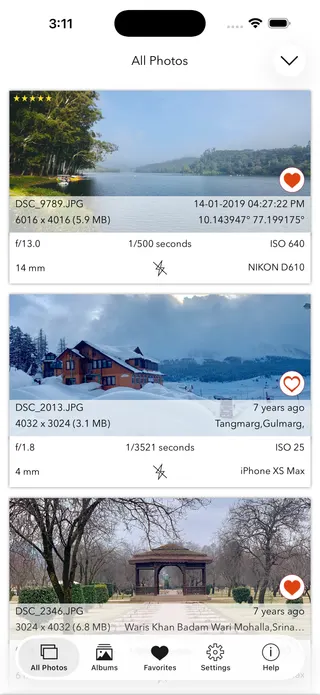
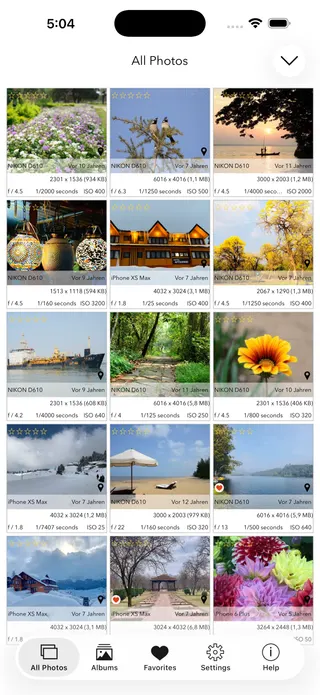
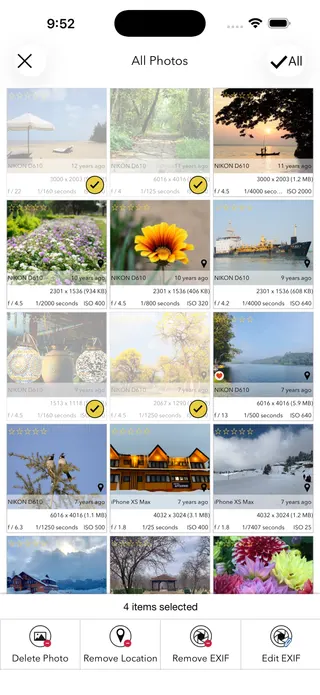
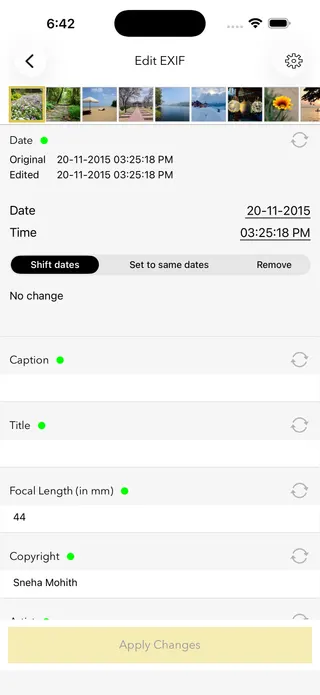
500 Rule Calculator — frequently asked questions
Short answers; the app’s guides go deeper.
What is the 500 rule in astrophotography?
A rule of thumb for the longest shutter speed before stars visibly trail from Earth's rotation: 500 divided by the full-frame-equivalent focal length. A 20 mm lens on full frame allows about 25 seconds; on APS-C the same lens allows about 16 seconds.
Why do stars trail in photos?
Earth rotates 15 degrees per hour, so stars drift across the frame during the exposure. Longer focal lengths magnify the drift, which is why wide lenses allow much longer exposures before trailing shows.
Should I use the 500, 400 or 300 rule?
The 500 rule dates from film and modest print sizes. Modern high-resolution sensors reveal trailing sooner, so many shooters use 400 or the conservative 300 rule. If you pixel-peep or print large, choose 300; the calculator shows all three.
What is the NPF rule?
A more rigorous formula that also accounts for aperture and pixel pitch, typically giving shorter, sharper limits than the 500 rule. The 300 rule shown here approximates NPF results for common setups without needing your exact pixel pitch.
What settings should I use for Milky Way photos?
A wide, fast lens (14–24 mm at f/1.4–f/2.8), the shutter time from this calculator, ISO 1600–6400, manual focus on a bright star with magnified live view, and a solid tripod with a 2-second timer or remote.
Does sensor crop factor change the limit?
Yes — the rule uses the full-frame-equivalent focal length, so a 20 mm lens on a 1.5× APS-C body counts as 30 mm and allows a shorter exposure. The calculator applies your sensor's crop automatically.
How can I expose longer than the limit?
A star tracker rotates the camera with the sky, allowing minutes-long exposures at low ISO. Alternatively, stack many shorter frames in software to reduce noise without trailing.
Can I check what settings my night photo used?
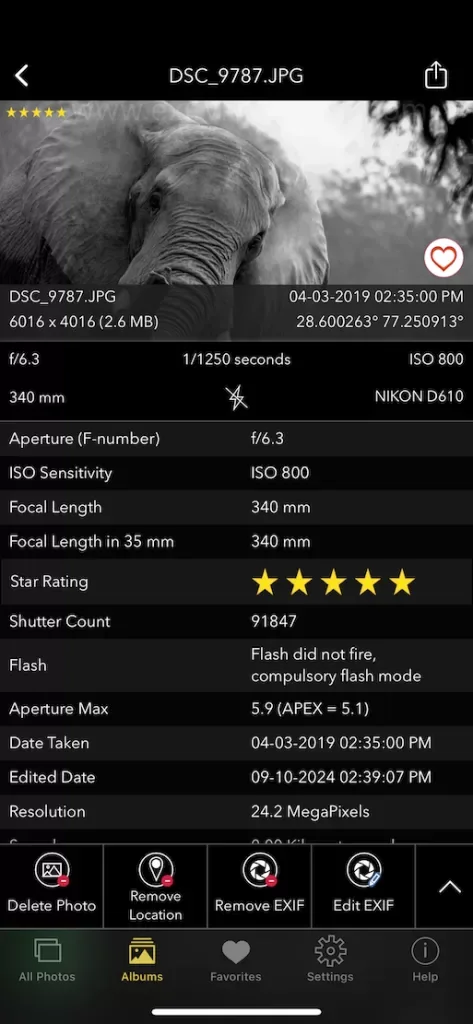
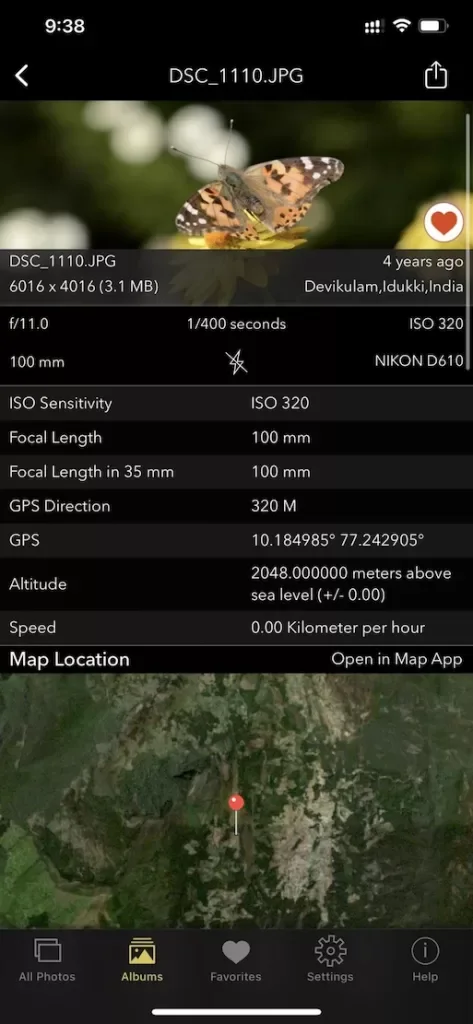
Yes — shutter speed, ISO, aperture and focal length are stored in the photo's EXIF metadata. Read them with the free EXIF viewer on this site, or the EXIF Viewer by Fluntro app on iPhone and iPad.
Is my data sent anywhere?
No — the calculation runs entirely in your browser with no network requests, and the page works offline once loaded: useful under a dark sky with no signal.
Is this 500 rule calculator free?
Yes — completely free, no account. For reading the metadata of your night shots on iPhone and iPad, the EXIF Viewer by Fluntro app is a one-time purchase.
Private by design
This tool was built so your photos never have to leave your device. Here’s exactly what that means for your data.
Nothing is uploaded
Your photo is opened and read entirely inside your own browser. It is never sent to a server, stored, or shared — once this page has loaded, it even works with your connection switched off.
No account, no tracking
There is no sign-up and no advertising cookies. The only thing saved on your device is your light or dark theme preference. Page views are counted without cookies or identifiers.
Your location stays yours
If a photo contains GPS coordinates, they are shown only to you, on your screen. We never see them, and any map link opens only if you choose to click it.
Nothing to collect
Because no personal data leaves your device, there is nothing for us to collect, log, or process. The full details are in our Privacy Policy.
Metadata is read from your file exactly as it was saved and is shown “as is.” It can be missing, altered, or inaccurate — for example, timestamps depend on the camera's clock and GPS can be approximate — so please don't rely on it as proof for legal, forensic, insurance, or safety decisions. This tool is provided free and without warranty; see our See our Terms & Disclaimer and Privacy Policy.
More free photo tools
All 20 run in your browser — nothing is ever uploaded.
Inspect & verify
- EXIF Metadata ViewerSee every tag hidden in a photo
- Photo Privacy CheckerWhat does your photo reveal about you?
- Is This Photo Edited?Editing traces & AI markers
- What Camera Took This Photo?Identify the camera, phone & lens
- When Was This Photo Taken?Find the exact date & time
- Photo Location ViewerSee where a photo was taken
- Camera Shutter CountCheck a camera’s shutter actuations
Edit & clean
Image utilities
Calculators
- Depth of Field CalculatorDoF & hyperfocal distance
- Golden Hour CalculatorSunrise, sunset & blue hour
- ND Filter CalculatorLong-exposure time converter
- 500 Rule CalculatorMax shutter before stars trail · you are here