
Free · No upload · No account
ND Filter Calculator
Convert a metered shutter speed into the long exposure you need with an ND filter — or two stacked. Includes a countdown for bulb mode.
8.2 s
1/125 s + 10 stops of ND. Set this directly on the camera.
Each stop doubles the exposure time. Two stacked filters add their stops together. Very long exposures may also need a small ISO or aperture change for reciprocity and heat noise.
Photos are read locally on your device — this page makes no network request with your file.
For iPhone, iPad & Mac · Featured by Apple
The full EXIF toolkit lives on your iPhone
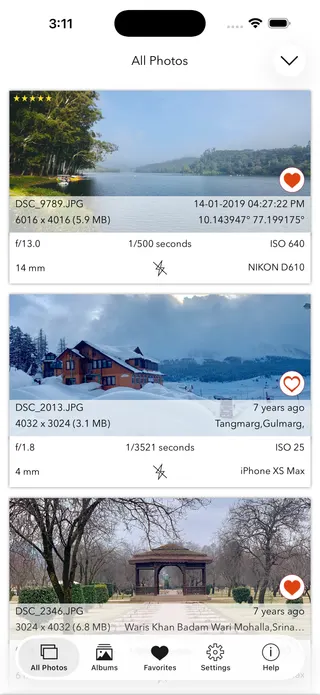
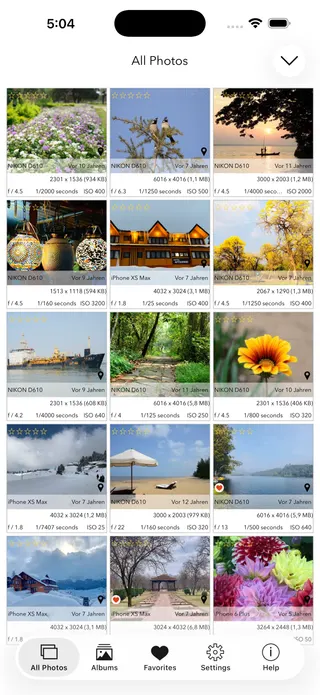
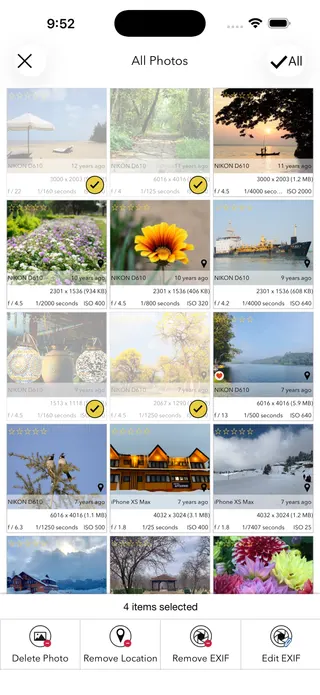
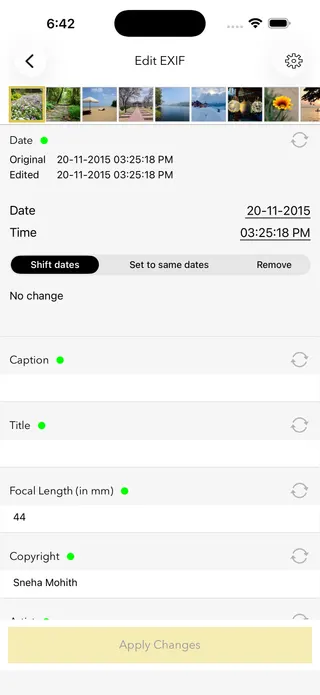
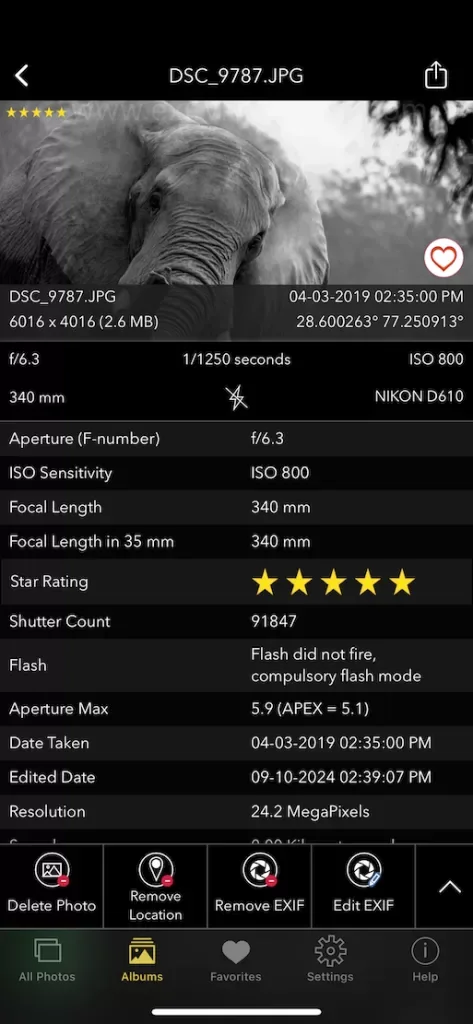
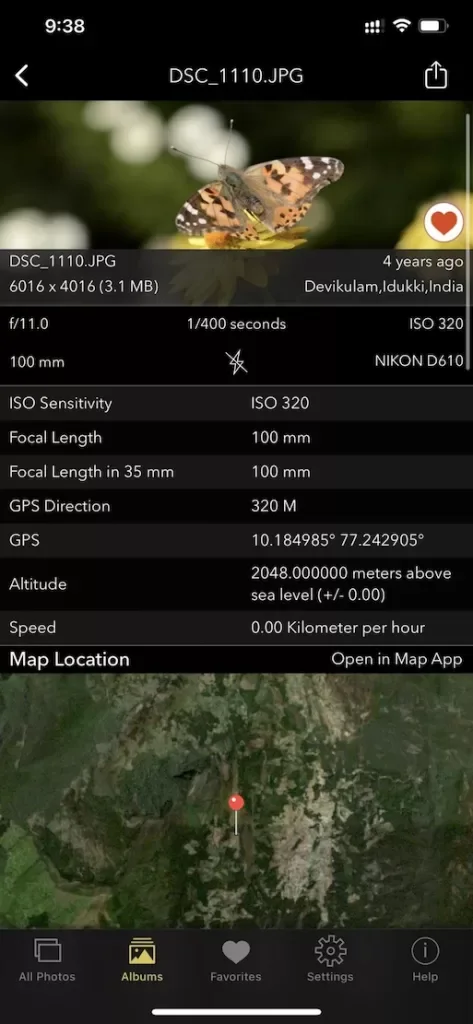
This page shows what’s inside a photo. EXIF Viewer by Fluntro goes further — view, edit, and remove metadata (including GPS geotags) right in your photo library, bulk-edit dates and locations, and share any photo with or without its EXIF. Buy once, use on iPhone, iPad and Mac. No subscription. Your photos never leave your device there either.
4.7· 1.9K ratingsFeatured by Apple
ND Filter Calculator — frequently asked questions
Short answers; the app’s guides go deeper.
How does an ND filter calculator work?
Each stop of neutral density doubles the required exposure time. Meter the scene without the filter, enter that shutter speed and the filter's strength, and the corrected time is base × 2^stops — a 1/60 s meter reading behind a 10-stop ND becomes about 17 seconds.
What do ND8, ND64 and ND1000 mean?
The number is the light-reduction factor: ND8 cuts light to 1/8 (3 stops), ND64 to 1/64 (6 stops), ND1000 to roughly 1/1000 (10 stops). Some brands label in stops or optical density instead — 0.9 density equals 3 stops. The calculator's selector covers the common namings.
Can I stack two ND filters?
Yes — stops add. A 6-stop plus a 3-stop behaves like 9 stops. The calculator has a second-filter selector for exactly this. Stacking increases the risk of vignetting on wide lenses and can add colour cast, so test your combination.
Why use an ND filter at all?
To use longer shutter speeds or wider apertures in bright light: silky waterfalls, smoothed seas, motion-blurred clouds, emptied streets, and wide-aperture portraits or video at the 180-degree shutter rule in daylight.
How do I shoot a long exposure in practice?
Compose and focus without the filter, switch to manual focus, meter and note the shutter speed, fit the filter, dial the corrected time from this calculator (Bulb mode beyond 30 s), and fire with a remote or self-timer on a solid tripod. Cover the viewfinder on DSLRs for exposures over a few seconds.
Do I need to adjust for very long exposures?
Two things drift: light changes during multi-minute exposures (especially near sunset — err longer), and strong NDs often have a slight colour cast fixable in post or with white balance. Sensor noise also rises with time; long-exposure noise reduction helps.
Why does my 10-stop photo come out too dark or bright?
Real filters vary from their rated strength by up to a stop, and light changes while you shoot. Treat the calculated time as the starting point, check the histogram, and adjust by halving or doubling.
Can I check the shutter speed a photo actually used?
Yes — it is recorded in the EXIF metadata. Use the free EXIF viewer on this site, or the EXIF Viewer by Fluntro app on iPhone and iPad, to read shutter speed, aperture and ISO from any original photo.
Is my data sent anywhere?
No — the calculation happens entirely in your browser, and the page makes no network requests. Once loaded, it works offline, which is handy in the field.
Is this ND calculator free?
Yes — completely free, no account. For reading the metadata of the photos you bring home, the EXIF Viewer by Fluntro app on iPhone and iPad is a one-time purchase.
Private by design
This tool was built so your photos never have to leave your device. Here’s exactly what that means for your data.
Nothing is uploaded
Your photo is opened and read entirely inside your own browser. It is never sent to a server, stored, or shared — once this page has loaded, it even works with your connection switched off.
No account, no tracking
There is no sign-up and no advertising cookies. The only thing saved on your device is your light or dark theme preference. Page views are counted without cookies or identifiers.
Your location stays yours
If a photo contains GPS coordinates, they are shown only to you, on your screen. We never see them, and any map link opens only if you choose to click it.
Nothing to collect
Because no personal data leaves your device, there is nothing for us to collect, log, or process. The full details are in our Privacy Policy.
Metadata is read from your file exactly as it was saved and is shown “as is.” It can be missing, altered, or inaccurate — for example, timestamps depend on the camera's clock and GPS can be approximate — so please don't rely on it as proof for legal, forensic, insurance, or safety decisions. This tool is provided free and without warranty; see our See our Terms & Disclaimer and Privacy Policy.
More free photo tools
All 20 run in your browser — nothing is ever uploaded.
Inspect & verify
- EXIF Metadata ViewerSee every tag hidden in a photo
- Photo Privacy CheckerWhat does your photo reveal about you?
- Is This Photo Edited?Editing traces & AI markers
- What Camera Took This Photo?Identify the camera, phone & lens
- When Was This Photo Taken?Find the exact date & time
- Photo Location ViewerSee where a photo was taken
- Camera Shutter CountCheck a camera’s shutter actuations
Edit & clean
Image utilities
Calculators
- Depth of Field CalculatorDoF & hyperfocal distance
- Golden Hour CalculatorSunrise, sunset & blue hour
- ND Filter CalculatorLong-exposure time converter · you are here
- 500 Rule CalculatorMax shutter before stars trail