
Free · No upload · No account
WebP to JPG Converter
Turn WebP images into universally-supported JPG — on your own device. Everything runs in your browser: your photo is never uploaded. Hidden metadata (including GPS) is stripped for privacy. [ + ]
Drop WebP images to convert to JPG
Transparent areas become white. Up to 30 at once. Nothing is uploaded.
Photos are read locally on your device — this page makes no network request with your file.
For iPhone, iPad & Mac · Featured by Apple
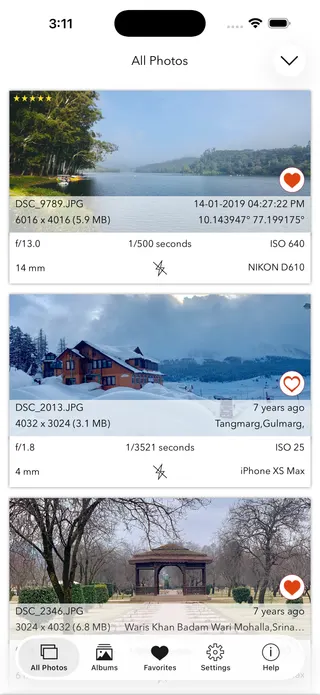
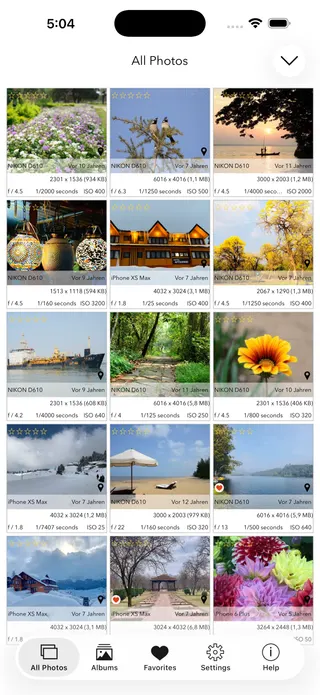
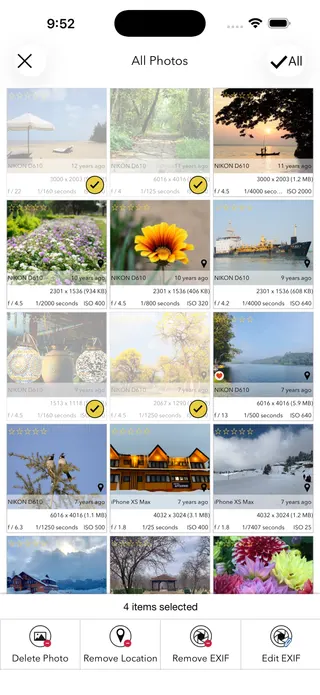
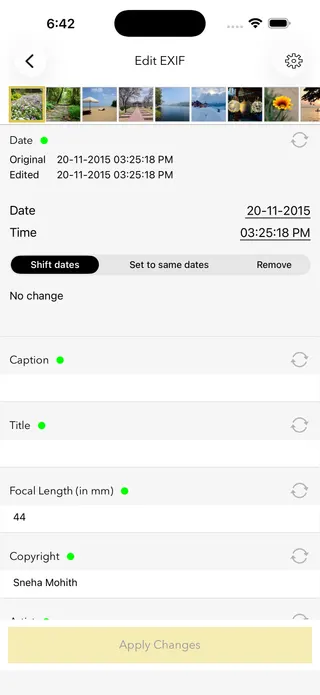
The full EXIF toolkit lives on your iPhone
This page shows what’s inside a photo. EXIF Viewer by Fluntro goes further — view, edit, and remove metadata (including GPS geotags) right in your photo library, bulk-edit dates and locations, and share any photo with or without its EXIF. Buy once, use on iPhone, iPad and Mac. No subscription. Your photos never leave your device there either.
4.7· 1.9K ratingsFeatured by Apple
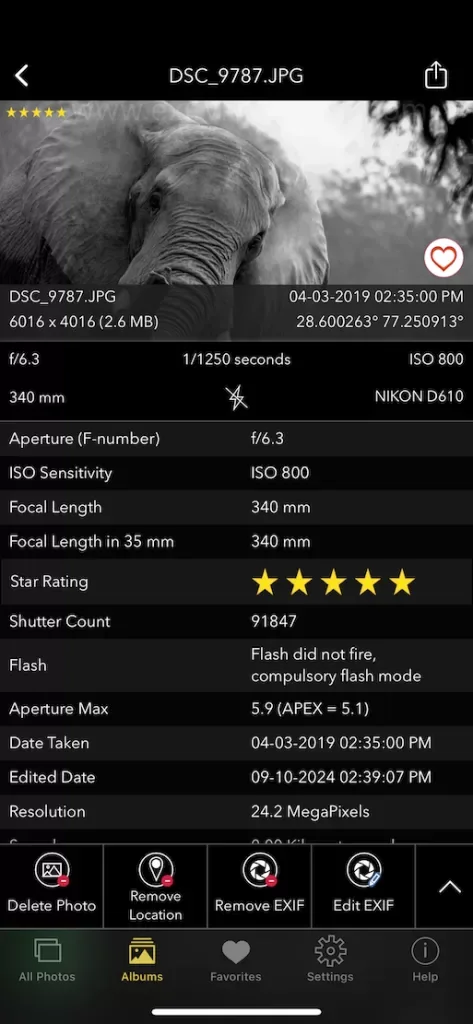
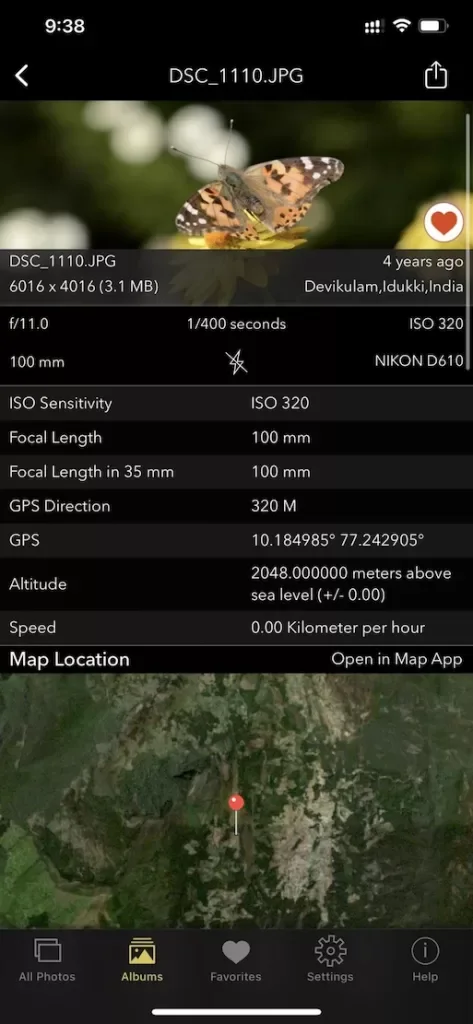
WebP to JPG Converter — frequently asked questions
Short answers; the app’s guides go deeper.
How do I convert WebP to JPG?
Drop a WebP image onto this page and it is converted to JPG right in your browser, on your own device. Click Download JPG to save the result. Nothing is uploaded, there is no account, and it is free.
Is my image uploaded to a server?
No. Unlike most converters, this one runs entirely in your browser using its built-in WebP support. Your image is never sent to a server, stored, or shared, and once the page has loaded it even works offline.
What is a WebP file?
WebP is an image format developed by Google that compresses better than JPEG, which is why many websites serve it. The catch: plenty of apps, editors, and upload forms still do not accept it — which is why images saved from the web often need converting to JPG.
Why do images I save from websites end up as WebP?
Sites serve WebP to load faster, so right-click-save often gives you a .webp file even when the page showed a normal photo. Converting it to JPG here makes it compatible with everything, without uploading it anywhere.
Does converting WebP to JPG lose quality?
A small amount, in theory. JPEG is a lossy format, so conversion re-encodes the image — this tool uses a high quality setting (92%) at full resolution, which is visually indistinguishable for normal use. Pixel dimensions are unchanged. Transparency, which JPEG does not support, is flattened onto white.
What happens to the image's metadata?
It is removed. The converted JPG carries none of the original's hidden metadata, which protects your privacy when you share it. If you want to inspect the original first, use the EXIF viewer on this site.
Can I convert animated WebP files?
Only the first frame. JPEG is a still-image format, so an animated WebP is converted to a single JPG of its first frame. For animation, a video format or GIF is the right target instead.
Does this work on Windows, Mac, Android, and iPhone?
Yes. Every modern browser decodes WebP natively, so the conversion works instantly on any system with nothing extra to download.
Can I convert PNG or HEIC here too?
PNG converts the same way. For iPhone HEIC photos, use the dedicated HEIC to JPG converter on this site, which handles that format in every browser.
Is this WebP converter free?
Yes, completely free, with no account, no watermark, and no upload. For viewing, editing, and removing photo metadata on iPhone and iPad, the EXIF Viewer by Fluntro app is a one-time purchase.
Private by design
This tool was built so your photos never have to leave your device. Here’s exactly what that means for your data.
Nothing is uploaded
Your photo is opened and read entirely inside your own browser. It is never sent to a server, stored, or shared — once this page has loaded, it even works with your connection switched off.
No account, no tracking
There is no sign-up and no advertising cookies. The only thing saved on your device is your light or dark theme preference. Page views are counted without cookies or identifiers.
Your location stays yours
If a photo contains GPS coordinates, they are shown only to you, on your screen. We never see them, and any map link opens only if you choose to click it.
Nothing to collect
Because no personal data leaves your device, there is nothing for us to collect, log, or process. The full details are in our Privacy Policy.
Metadata is read from your file exactly as it was saved and is shown “as is.” It can be missing, altered, or inaccurate — for example, timestamps depend on the camera's clock and GPS can be approximate — so please don't rely on it as proof for legal, forensic, insurance, or safety decisions. This tool is provided free and without warranty; see our See our Terms & Disclaimer and Privacy Policy.
More free photo tools
All 20 run in your browser — nothing is ever uploaded.
Inspect & verify
- EXIF Metadata ViewerSee every tag hidden in a photo
- Photo Privacy CheckerWhat does your photo reveal about you?
- Is This Photo Edited?Editing traces & AI markers
- What Camera Took This Photo?Identify the camera, phone & lens
- When Was This Photo Taken?Find the exact date & time
- Photo Location ViewerSee where a photo was taken
- Camera Shutter CountCheck a camera’s shutter actuations
Edit & clean
Image utilities
Calculators
Convert
- HEIC to JPG ConverterConvert iPhone photos — on your device
- WebP to JPG ConverterMake WebP images universally compatible · you are here