
Free · No upload · No account
Golden Hour Calculator
Sunrise, sunset, golden hour and blue hour for any place and date — computed on your device from the NOAA solar equations. Use your current location or type coordinates.
Times are shown in your device’s time zone.
Enter a location
Type coordinates or use your current location.
Photos are read locally on your device — this page makes no network request with your file.
For iPhone, iPad & Mac · Featured by Apple
The full EXIF toolkit lives on your iPhone
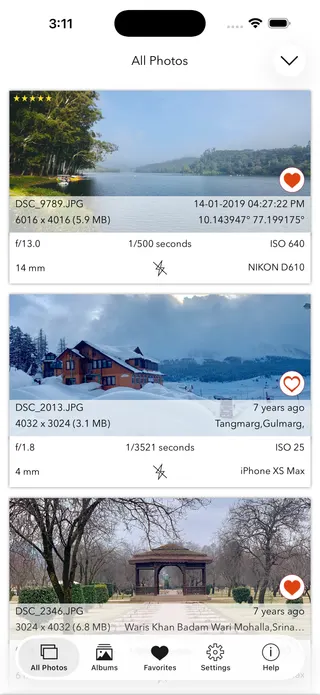
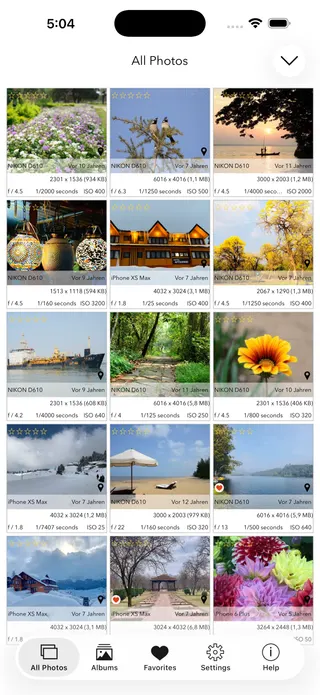
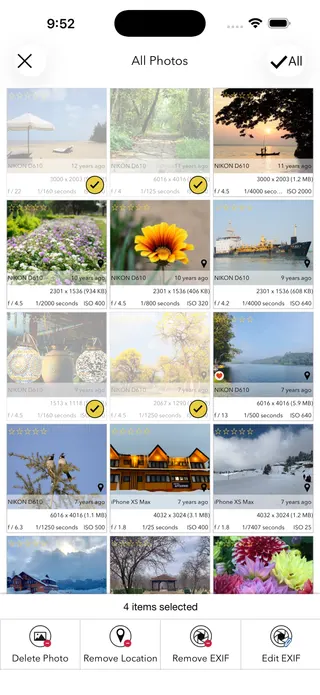
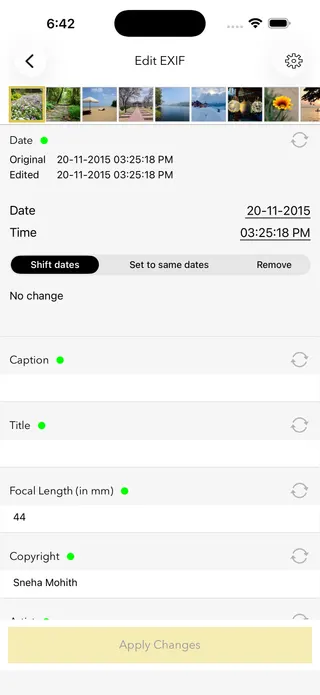
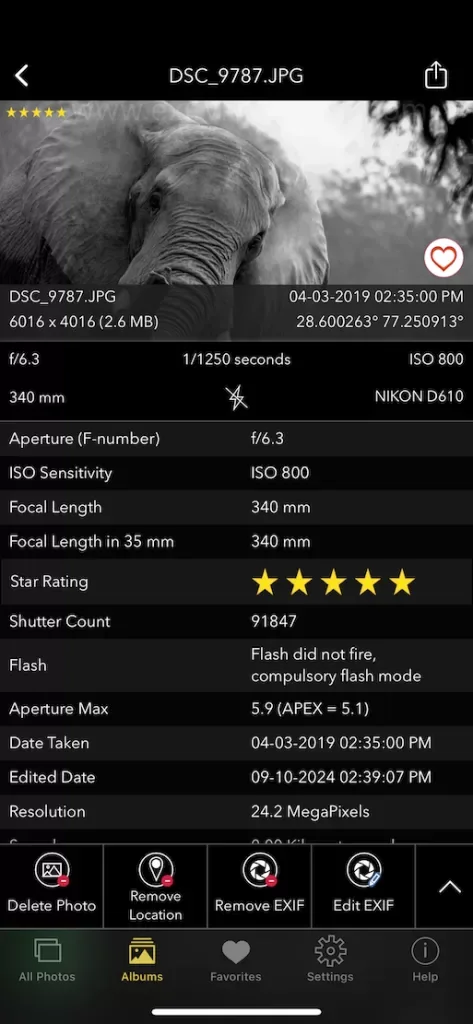
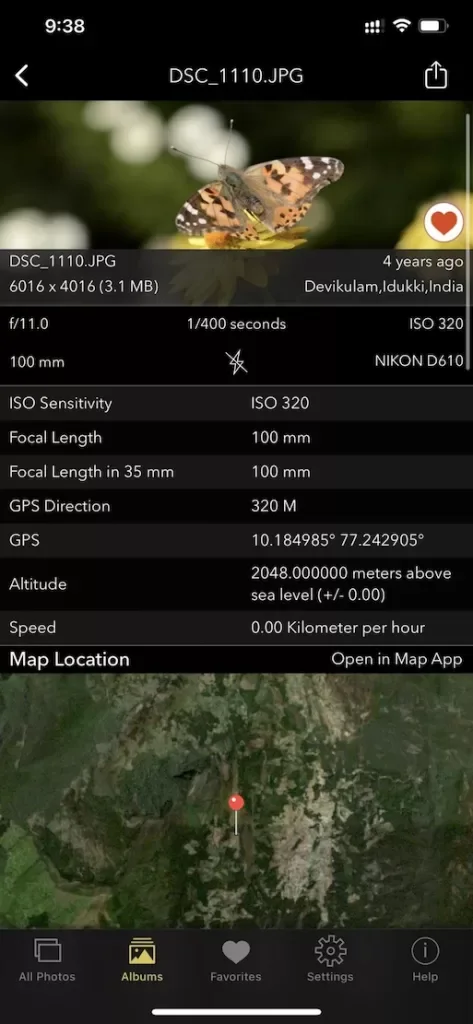
This page shows what’s inside a photo. EXIF Viewer by Fluntro goes further — view, edit, and remove metadata (including GPS geotags) right in your photo library, bulk-edit dates and locations, and share any photo with or without its EXIF. Buy once, use on iPhone, iPad and Mac. No subscription. Your photos never leave your device there either.
4.7· 1.9K ratingsFeatured by Apple
Golden Hour Calculator — frequently asked questions
Short answers; the app’s guides go deeper.
What is golden hour?
The period around sunrise and sunset when the sun sits low in the sky — conventionally between about 6 degrees above and 4 degrees below the horizon. Light travels through more atmosphere, becoming warm, soft and directional: the most flattering natural light for portraits and landscapes.
How long does golden hour last?
It is rarely a literal hour. Near the equator it can pass in 25–40 minutes; at high latitudes in summer it can stretch for hours, and in polar regions the sun can stay in the golden zone all day. This calculator shows the exact window for your location and date.
What is blue hour?
The twilight window just before sunrise and after sunset when the sun is roughly 4 to 6 degrees below the horizon. The sky turns deep blue while city lights glow — ideal for cityscapes and moody landscapes. Its times are shown alongside golden hour above.
How are the times calculated?
With standard NOAA solar-position formulas: the sun's declination and the equation of time give solar noon, and the hour-angle formula gives the moment the sun crosses each altitude — sunrise at −0.833°, golden hour bounds at +6° and −4°, blue hour at −6°. Accuracy is within a couple of minutes.
Is my location sent anywhere?
No. Everything is computed in your browser. If you tap Use my location, the coordinates come from your device's own geolocation and never leave the page — this site makes no network requests.
Why is there no golden hour time shown for my date?
At high latitudes the sun can stay above or below a threshold all day — midnight sun or polar night. When a crossing does not happen, the calculator says so instead of inventing a time.
What time zone are the results in?
Your device's local time zone. If you are calculating for a distant destination, remember the times will display in your current zone unless your device is set to the destination's.
What camera settings suit golden hour?
Light changes fast, so aperture priority around f/4–f/8 with auto-ISO works well; expose for the highlights and shoot toward or across the light for rim-lit subjects. In blue hour, a tripod and multi-second exposures bring out the glow.
How can I check when a photo was actually taken?
Its EXIF metadata records the exact capture time. Use the free date checker on this site — or the EXIF Viewer by Fluntro app on iPhone and iPad — to read it from any original photo and see whether it really was golden hour.
Is this golden hour calculator free?
Yes — free, no account, and it runs entirely in your browser. Once loaded it even works offline, handy at remote locations.
Private by design
This tool was built so your photos never have to leave your device. Here’s exactly what that means for your data.
Nothing is uploaded
Your photo is opened and read entirely inside your own browser. It is never sent to a server, stored, or shared — once this page has loaded, it even works with your connection switched off.
No account, no tracking
There is no sign-up and no advertising cookies. The only thing saved on your device is your light or dark theme preference. Page views are counted without cookies or identifiers.
Your location stays yours
If a photo contains GPS coordinates, they are shown only to you, on your screen. We never see them, and any map link opens only if you choose to click it.
Nothing to collect
Because no personal data leaves your device, there is nothing for us to collect, log, or process. The full details are in our Privacy Policy.
Metadata is read from your file exactly as it was saved and is shown “as is.” It can be missing, altered, or inaccurate — for example, timestamps depend on the camera's clock and GPS can be approximate — so please don't rely on it as proof for legal, forensic, insurance, or safety decisions. This tool is provided free and without warranty; see our See our Terms & Disclaimer and Privacy Policy.
More free photo tools
All 20 run in your browser — nothing is ever uploaded.
Inspect & verify
- EXIF Metadata ViewerSee every tag hidden in a photo
- Photo Privacy CheckerWhat does your photo reveal about you?
- Is This Photo Edited?Editing traces & AI markers
- What Camera Took This Photo?Identify the camera, phone & lens
- When Was This Photo Taken?Find the exact date & time
- Photo Location ViewerSee where a photo was taken
- Camera Shutter CountCheck a camera’s shutter actuations
Edit & clean
Image utilities
Calculators
- Depth of Field CalculatorDoF & hyperfocal distance
- Golden Hour CalculatorSunrise, sunset & blue hour · you are here
- ND Filter CalculatorLong-exposure time converter
- 500 Rule CalculatorMax shutter before stars trail