
Free · No upload · No account
Depth of Field Calculator
Work out exactly what will be sharp: near and far limits, total depth of field and the hyperfocal distance for any sensor, focal length, aperture and subject distance. Runs in your browser — nothing to install.
60.1 cm total in focus
Everything from 2.73 m to 3.33 m appears sharp.
Near limit
2.73 m
Far limit
3.33 m
In front / behind
27.1 cm / 33.0 cm
Hyperfocal
29.8 m
Landscape tip: focus at the hyperfocal distance (29.8 m) and everything from 14.9 m to infinity will be acceptably sharp.
Photos are read locally on your device — this page makes no network request with your file.
For iPhone, iPad & Mac · Featured by Apple
The full EXIF toolkit lives on your iPhone
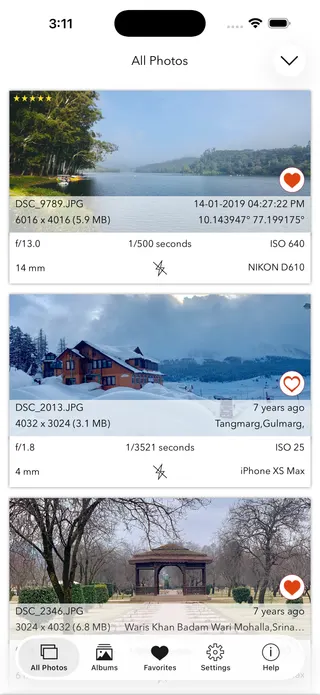
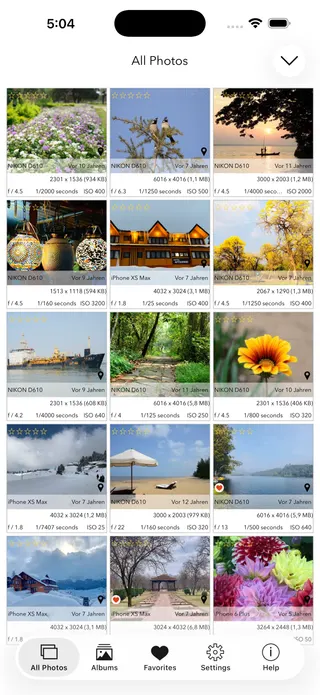
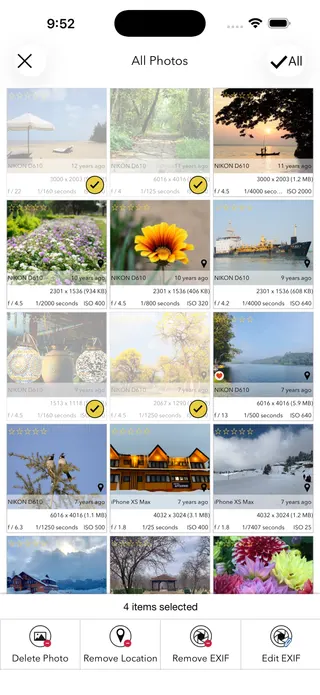
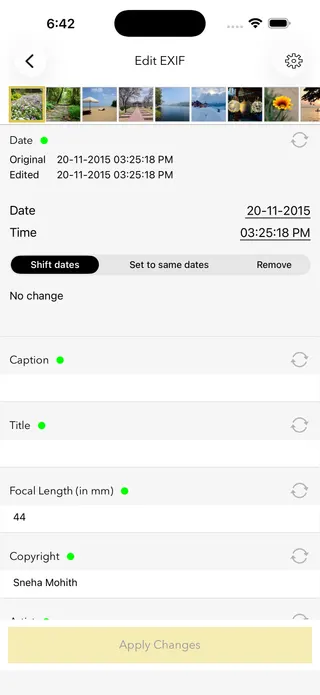
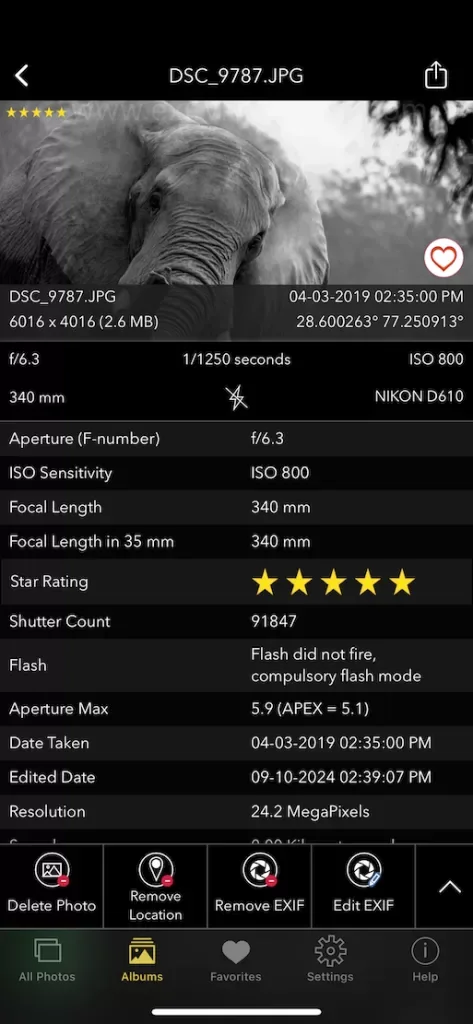
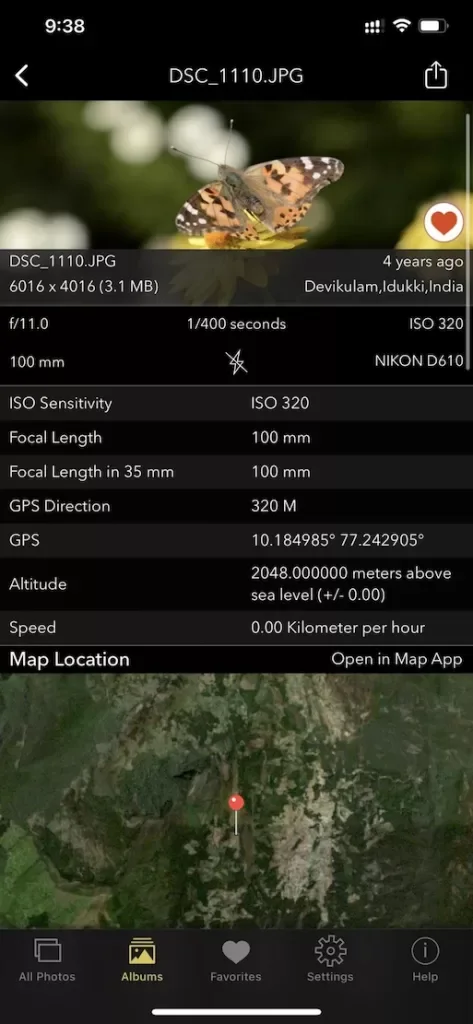
This page shows what’s inside a photo. EXIF Viewer by Fluntro goes further — view, edit, and remove metadata (including GPS geotags) right in your photo library, bulk-edit dates and locations, and share any photo with or without its EXIF. Buy once, use on iPhone, iPad and Mac. No subscription. Your photos never leave your device there either.
4.7· 1.9K ratingsFeatured by Apple
Depth of Field Calculator — frequently asked questions
Short answers; the app’s guides go deeper.
What is depth of field?
Depth of field (DoF) is the zone in front of and behind your focus point that appears acceptably sharp. It is controlled by four things: aperture, focal length, distance to the subject, and sensor size. A wide aperture like f/1.8 gives a thin, blurry-background DoF; a narrow one like f/11 keeps much more in focus.
How is depth of field calculated?
From the hyperfocal distance H = f²/(N×c) + f, where f is focal length, N the f-number, and c the circle of confusion for your sensor. The near limit is s(H−f)/(H+s−2f) and the far limit s(H−f)/(H−s) for subject distance s. This calculator does the work instantly as you type.
What is hyperfocal distance?
The focus distance that maximises depth of field: focus there and everything from half that distance to infinity is acceptably sharp. Landscape photographers use it to get both foreground and horizon in focus — this calculator shows it for your exact lens and aperture.
What is the circle of confusion?
The largest blur spot the eye still perceives as a sharp point in a standard-size print. It scales with sensor size: about 0.030 mm on full frame, 0.020 mm on APS-C, and 0.015 mm on Micro Four Thirds. The calculator picks the right value from your sensor selection.
Why does sensor size change depth of field?
Smaller sensors use shorter focal lengths for the same framing, and shorter lenses have inherently deeper DoF. That is why a phone keeps everything sharp while a full-frame camera blurs backgrounds easily at the same equivalent view.
How do I get maximum background blur?
Open the aperture wide (small f-number), use a longer focal length, get closer to your subject, and put distance between subject and background. The calculator shows how dramatically the DoF thins as you do.
How do I get everything in focus for a landscape?
Stop down to around f/8–f/11 and focus at the hyperfocal distance shown by the calculator. Avoid very small apertures like f/22 — diffraction starts softening the whole image.
Is depth of field distributed equally around the focus point?
Rarely. At normal distances roughly one third falls in front of the focus point and two thirds behind; the split approaches 50/50 in macro work and becomes extremely back-heavy near the hyperfocal distance. The calculator shows the exact front/behind split.
Where can I see the aperture a photo was actually taken at?
Its EXIF metadata records the aperture, focal length and camera. Use the free EXIF viewer on this site — or, on iPhone and iPad, the EXIF Viewer by Fluntro app — to read it from any original photo.
Is this depth of field calculator free?
Yes — free, no account, and it runs entirely in your browser with no data sent anywhere. It even works offline once loaded.
Private by design
This tool was built so your photos never have to leave your device. Here’s exactly what that means for your data.
Nothing is uploaded
Your photo is opened and read entirely inside your own browser. It is never sent to a server, stored, or shared — once this page has loaded, it even works with your connection switched off.
No account, no tracking
There is no sign-up and no advertising cookies. The only thing saved on your device is your light or dark theme preference. Page views are counted without cookies or identifiers.
Your location stays yours
If a photo contains GPS coordinates, they are shown only to you, on your screen. We never see them, and any map link opens only if you choose to click it.
Nothing to collect
Because no personal data leaves your device, there is nothing for us to collect, log, or process. The full details are in our Privacy Policy.
Metadata is read from your file exactly as it was saved and is shown “as is.” It can be missing, altered, or inaccurate — for example, timestamps depend on the camera's clock and GPS can be approximate — so please don't rely on it as proof for legal, forensic, insurance, or safety decisions. This tool is provided free and without warranty; see our See our Terms & Disclaimer and Privacy Policy.
More free photo tools
All 20 run in your browser — nothing is ever uploaded.
Inspect & verify
- EXIF Metadata ViewerSee every tag hidden in a photo
- Photo Privacy CheckerWhat does your photo reveal about you?
- Is This Photo Edited?Editing traces & AI markers
- What Camera Took This Photo?Identify the camera, phone & lens
- When Was This Photo Taken?Find the exact date & time
- Photo Location ViewerSee where a photo was taken
- Camera Shutter CountCheck a camera’s shutter actuations
Edit & clean
Image utilities
Calculators
- Depth of Field CalculatorDoF & hyperfocal distance · you are here
- Golden Hour CalculatorSunrise, sunset & blue hour
- ND Filter CalculatorLong-exposure time converter
- 500 Rule CalculatorMax shutter before stars trail